
PacKit automatically manages WinGet catalog package updates, offering notifications and a built-in mechanism for updating the applications added to your workspace from the WinGet catalog.
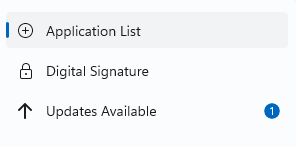
If updates are available, to notify you to update your apps, a badge with the number of found updates is displayed next to the Updates Available button in the Left Menu:

Just click on the button to display a view containing a list of available updates. Latest version available is also displayed to help you manage your updates better. To update each app, click on the Update button next to it. You can refresh the list using the Check for Updates button in the top right corner of the view.
Also, apps can be updated directly from Application Information view. If updates are found, an Updates Available section will be displayed:
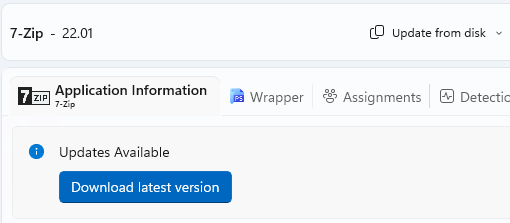
Click on [Download new version..] button to add the latest version of the app to your project.
A new version of your package will be downloaded and included in your workspace, reusing the configuration from the existing version. After you test and deploy the new version, you can remove the previous version from your workspace.
Automatic download is not available at the moment. If you wish to request this feature, please email or write us on our community forums.
