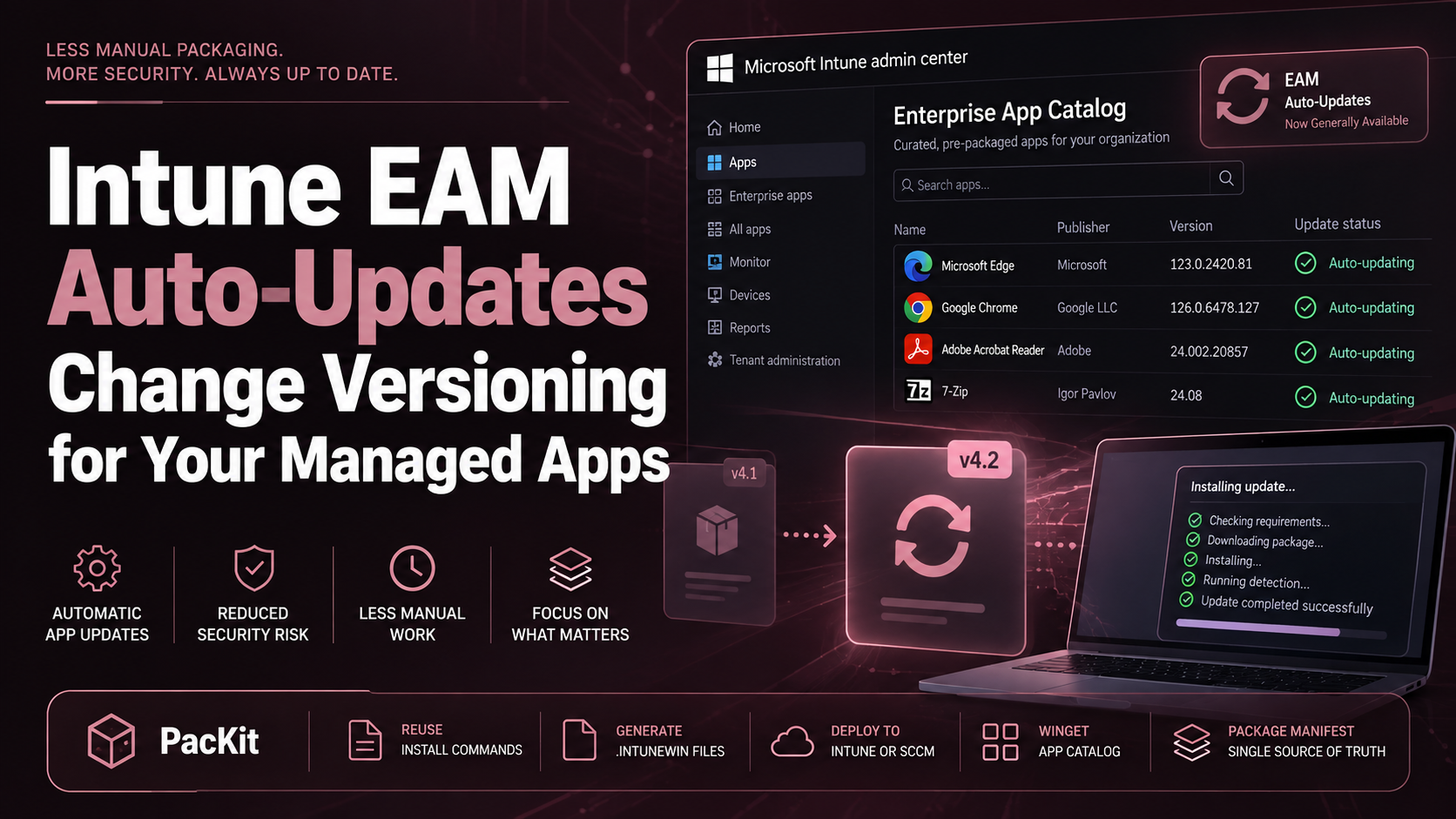
Intune EAM Auto‑Updates Change Versioning for Your Managed Apps
Working as a software packager in an enterprise environment is already quite straightforward. Once a vendor ships a new build, you pull it down, repackage

Working as a software packager in an enterprise environment is already quite straightforward. Once a vendor ships a new build, you pull it down, repackage
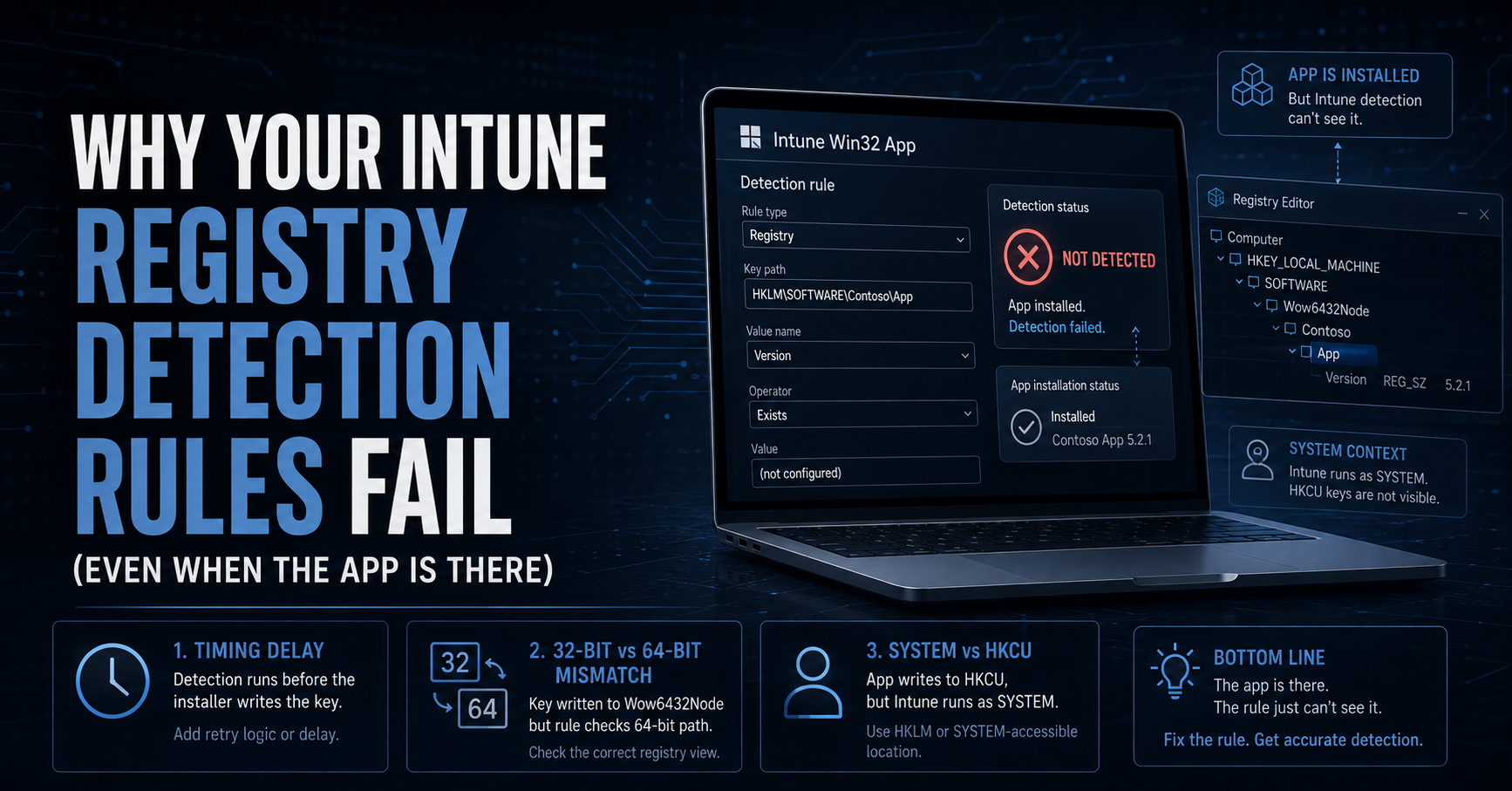
If you read our previous article on Intune deployment latency and how the Intune Management Extension (IME) handles its check-in cycles, you already know that
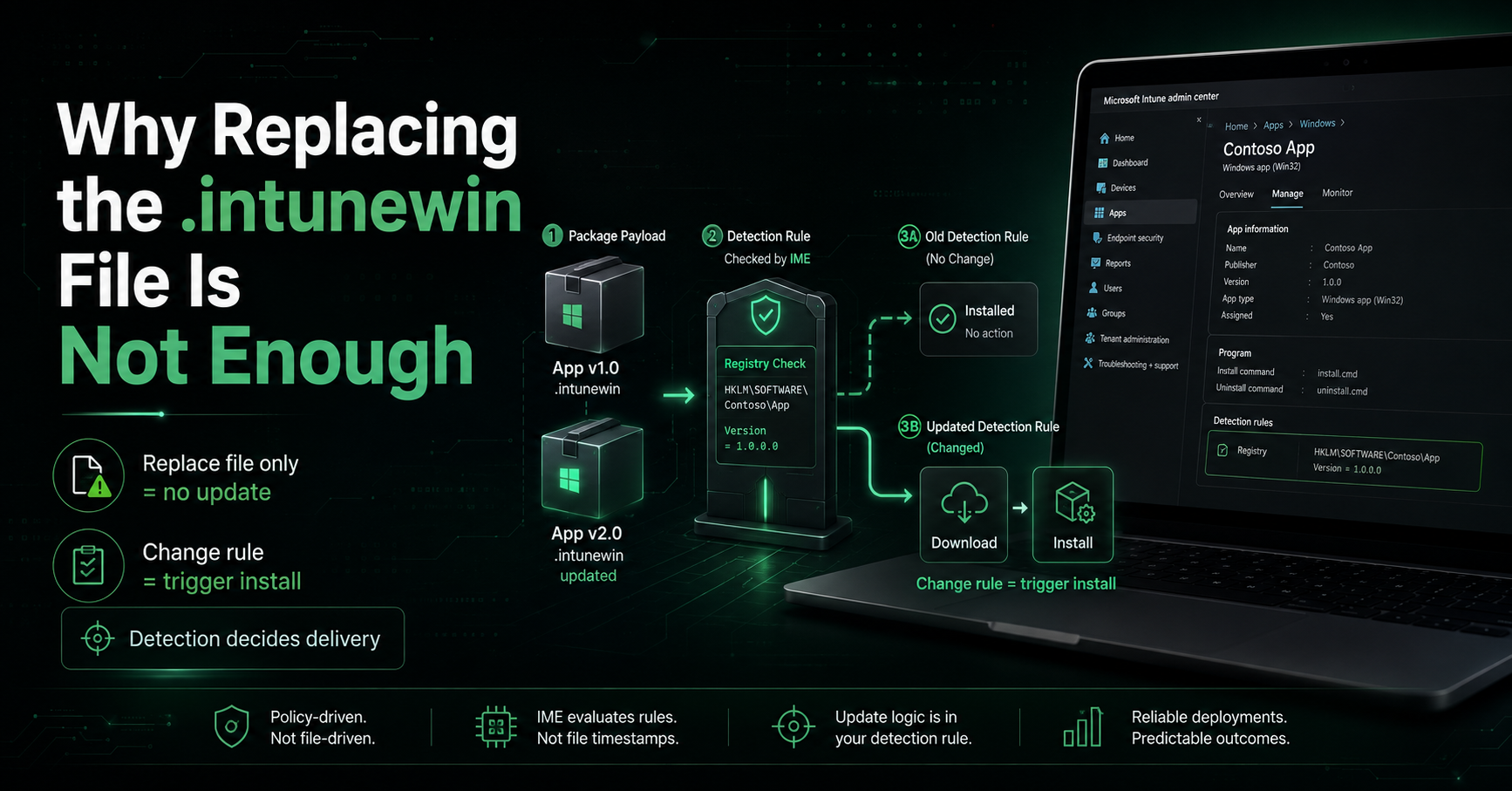
If you’ve been following along, we’ve already covered a lot of ground on how Intune handles Win32 applications, as well as the mechanics of the
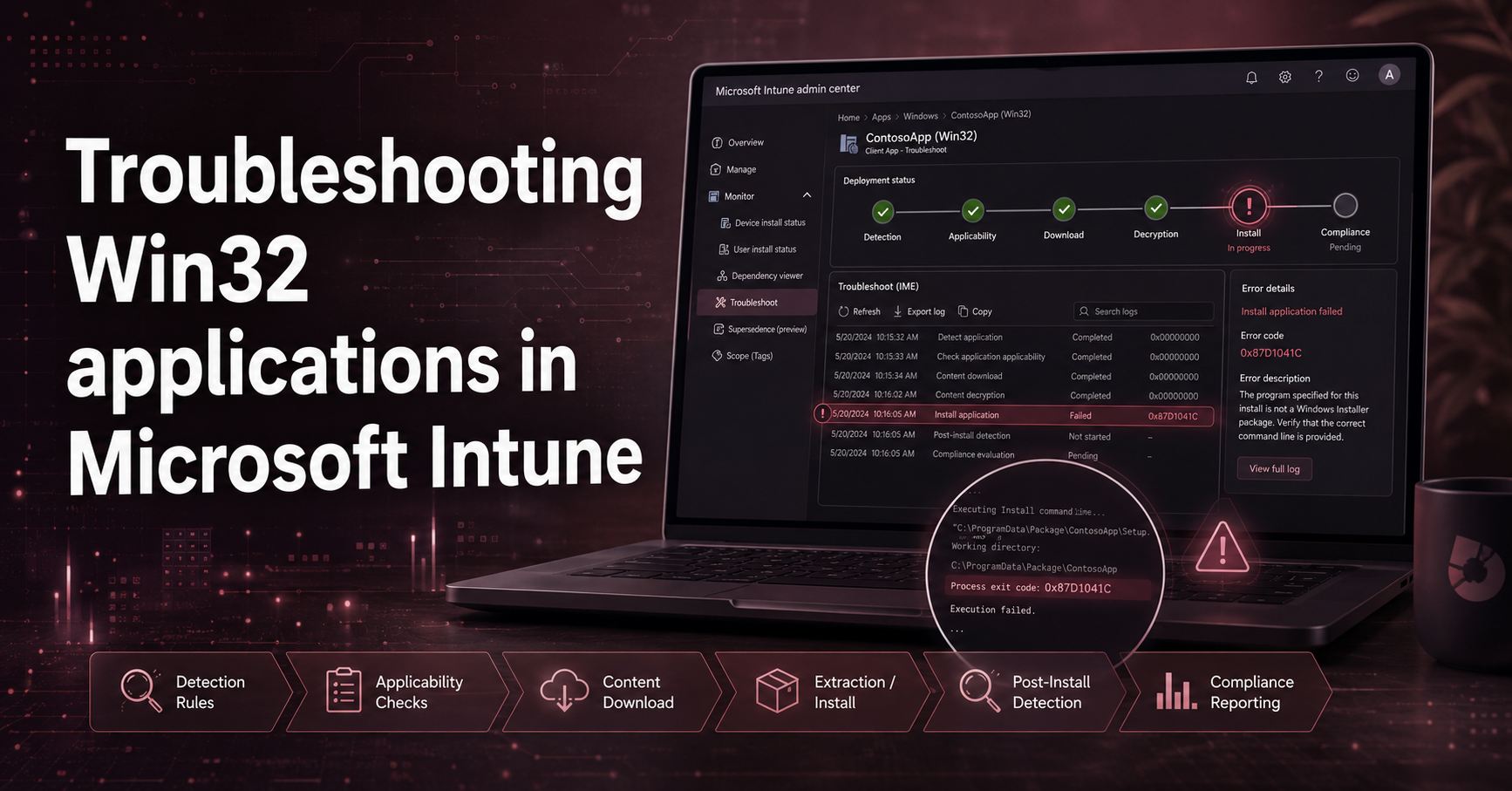
Troubleshooting Win32 applications in Microsoft Intune can sometimes feel complex, especially when deployments fail without clear error messages in the Intune portal. Fortunately, the Intune
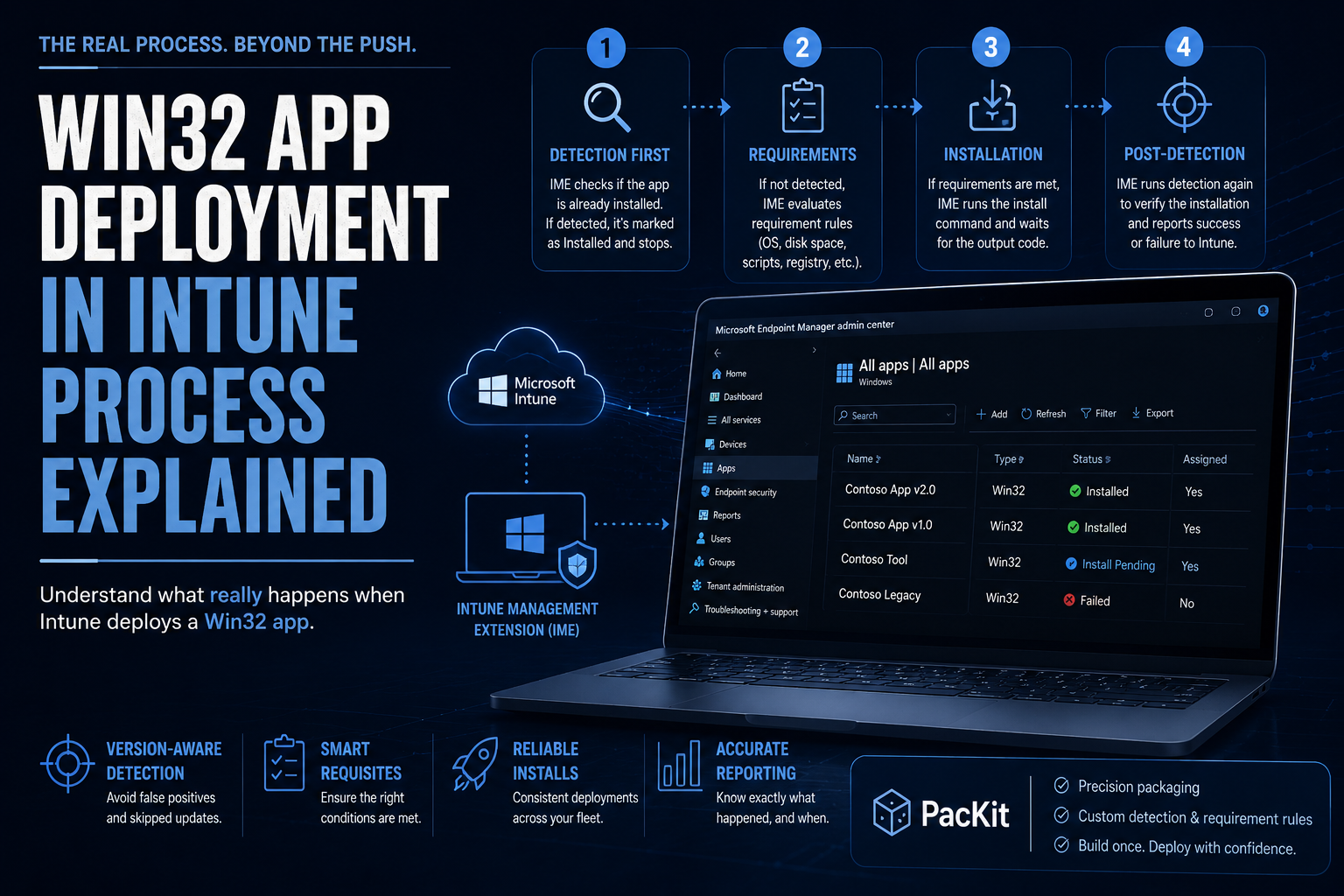
When you deploy a Win32 Application in Intune, you assume the process is as simple as pushing. Intune sends the app, the device installs it,
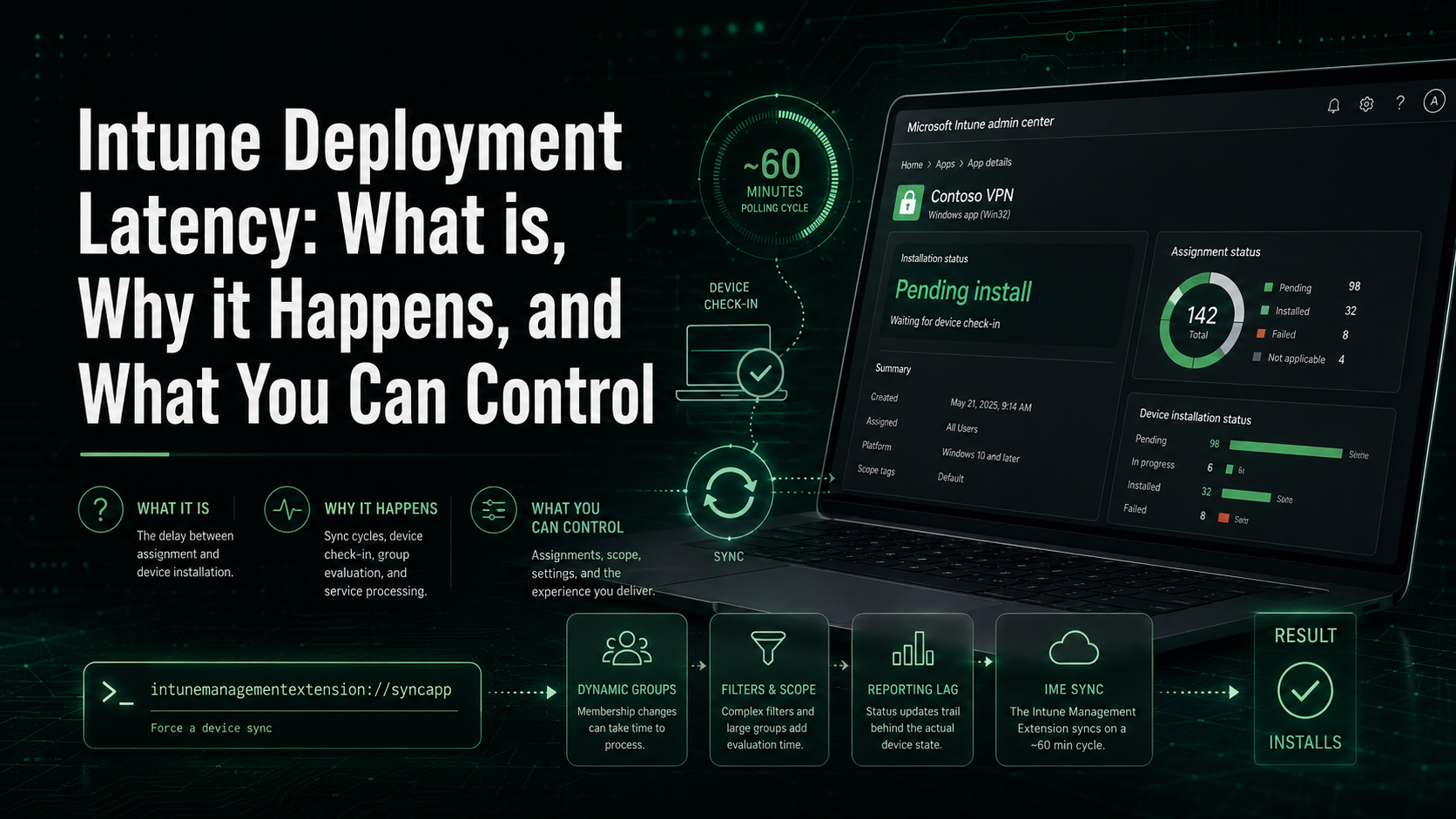
If you’ve ever packaged and deployed Win32 applications in Intune, you’re already familiar with the groundwork, such as converting your installer into a .intunewin file,
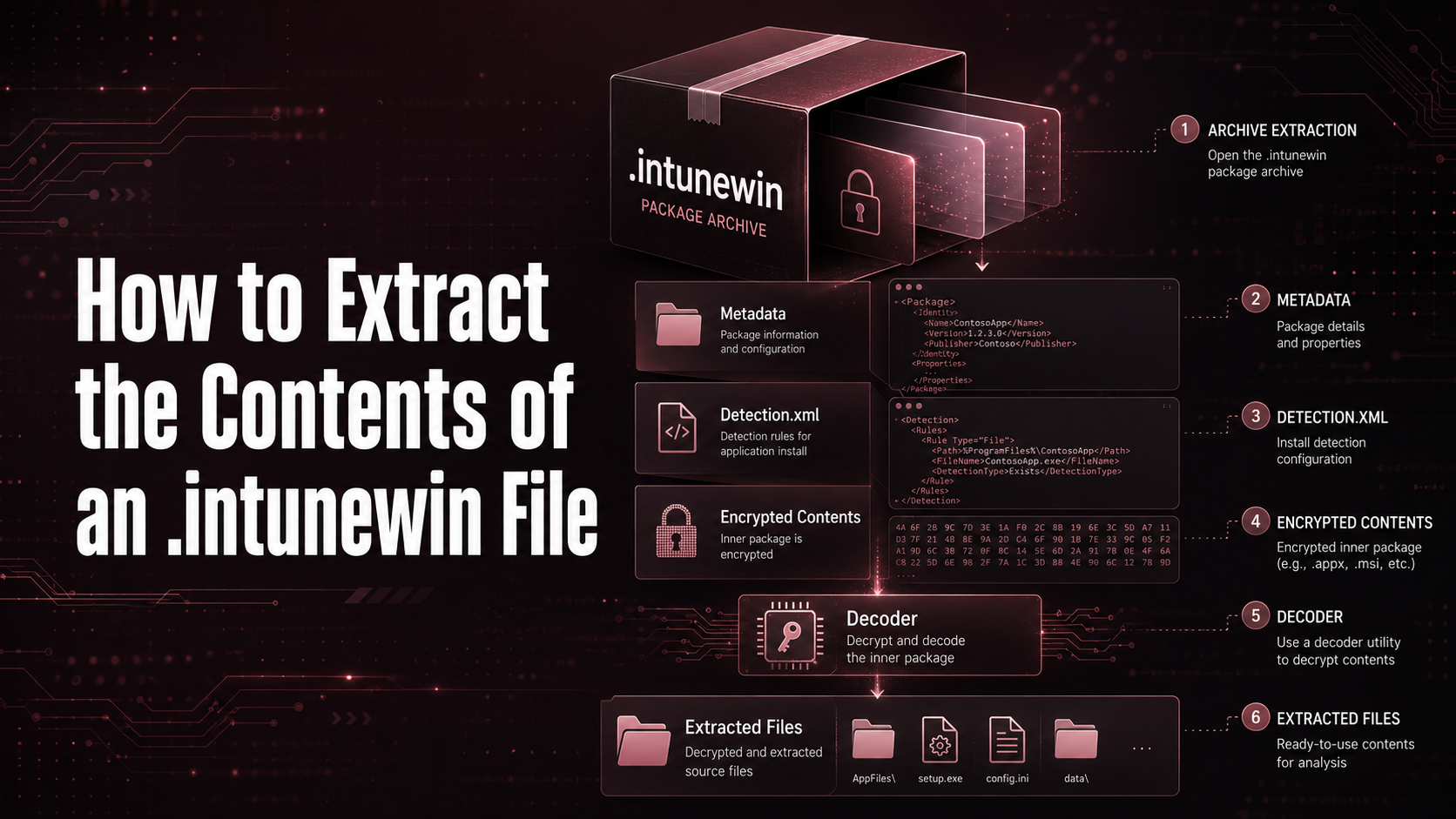
When you use the IntuneWinAppUtil tool to package a Win32 application for Microsoft Intune, you get a .intunewin file, which is essentially a self-contained archive

If you’ve ever packaged and deployed Win32 applications in Intune, you’ve probably wondered whether a simple “File or Folder exists” detection rule is good enough
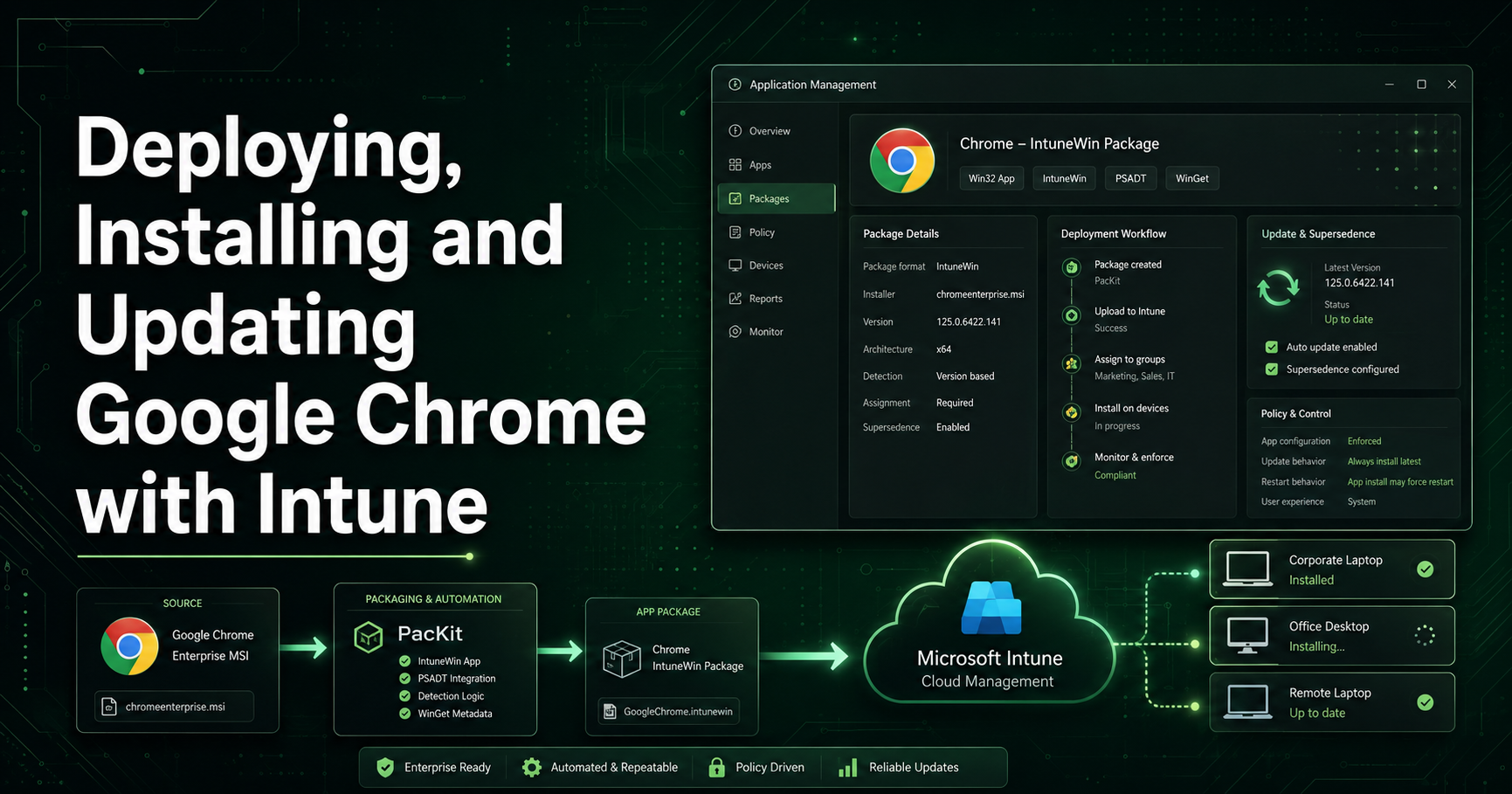
Managing third-party applications such as Google Chrome within Microsoft Intune is a common task for IT professionals. While Chrome is relatively simple to package, maintaining
Maintaining your infrastructure up to date, particularly in the application area, is a time-consuming process that, depending on the size of your infrastructure, requires managing
