
To import your packages from your Intune account, just open your workspace, go to Left Menu, click on [Add..] button and select the Add from Intune option.
Connect & Load
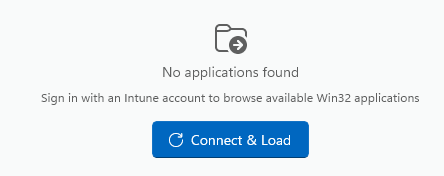
Click on this button to log in to your Intune account and fetch the packages into PacKit.
Intune Applications
Once the connection with the Intune server is established, the list of packages is displayed:
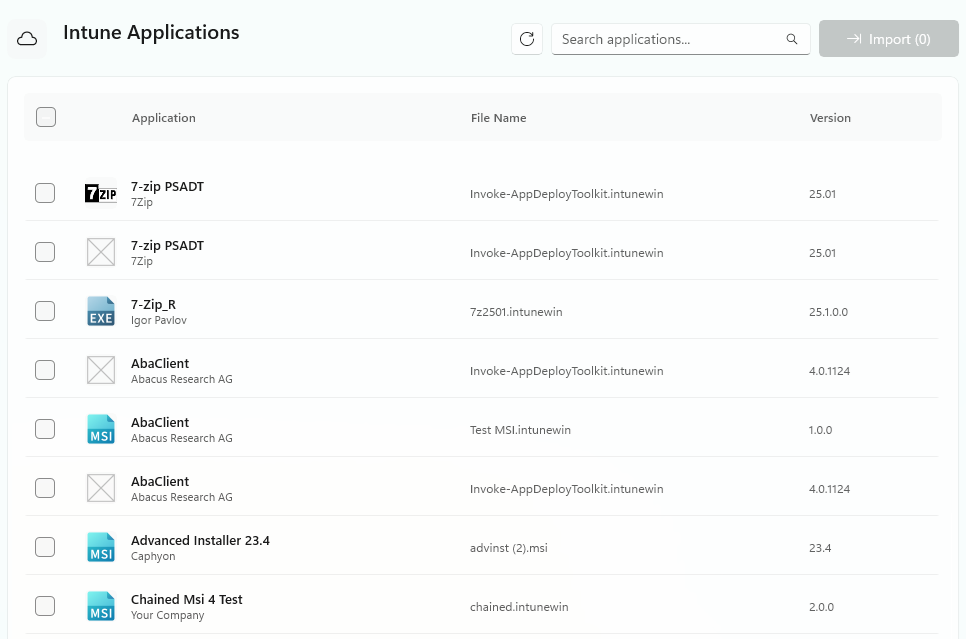
Search applications…
Use this field to filter the applications list according to your keyword.
Import
Click on this button to import the selected packages in your workspace.
Application list
This list will display the following information regarding your MECM packages:
- Application
- File Name
- Version
Was this article helpful?
YesNo
