
The SCCM wizard is shown by our sccm.exe tool, and can be launched from the Upload to MECM Action Button in PacKit.
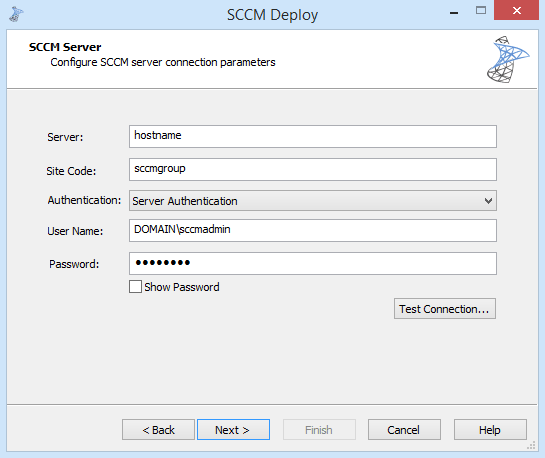
The SCCM tool allows you to choose between two deployment modes: package or application. You can perform deployments for both SCCM 2007 and SCCM 2012.
Supported Setup Types
You can use the Advanced Installer SCCM tool to deploy the following setup types:
- SCCM package: all setup types that can be deployed using a “Package Definition File”. Additionally, you can deploy virtual packages (AppV 4.x) for SCCM 2007.
- SCCM application: MSI, AppV 4.x, AppV 5.x, AppX, MSIX(starting with SCCM 1806)
Script your deployment with our SCCM tool
The SCCM deployment tool also comes with a command line interface, so you can create scripts that call our tool silently (with no UI) and handle the deployment of one or more packages.
To see all the commands available, browse to our bin\x86 folder, open a CMD window in this folder and execute this command:
sccm.exe /?To execute sccm.exe silently, you need to first pass the parameter /NoUI, then continue with the rest of the parameters. The entire list of parameters is detailed on the help page of the equivalent GUI option; all pages are linked below.
The following pages describe in detail the options available to deploy your packages.
