Watching over a whole fleet of devices is not an easy task, and there are some scenarios where things get complicated.
One of these scenarios is when you are trying to figure out whether or not an outdated application exists on the fleet and which devices have this vulnerability.
Microsoft knows about this and is about to make the job considerably less painful. So, it’s worth getting ahead of it before it lands in your tenant.
What is changing?
According to the Intune “In development” page, Advanced Analytics is extending its multi-device query capabilities to include Windows app inventory data.
Right now, you actually can do multi-device querying, but only for hardware inventory. This lets administrators run a single Kusto Query Language (KQL) query across multiple devices at once instead of pulling reports device by device.
The upcoming change brings that same fleet-wide querying to installed applications on Windows.
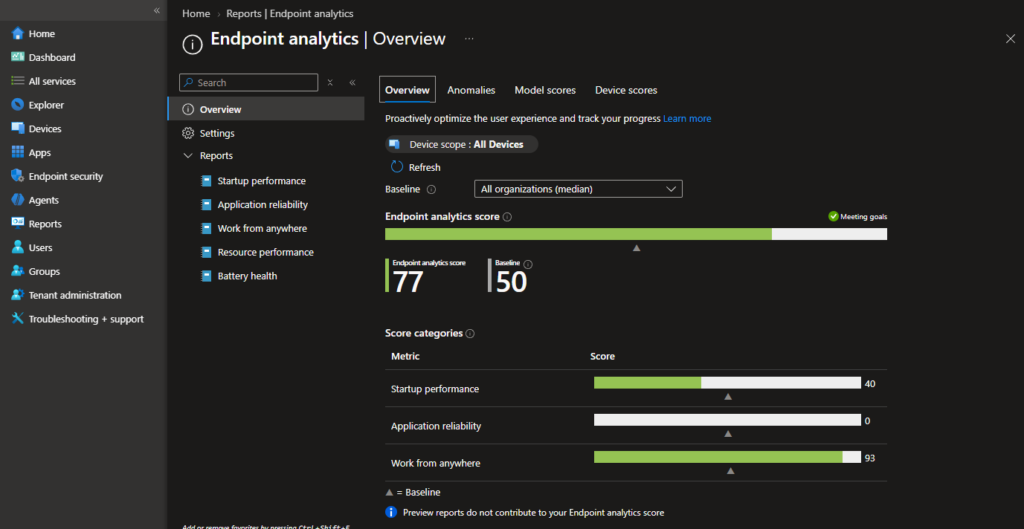
In practice, this means you will be able to write one KQL query and get back installed app versions, counts, and locations across your entire Windows estate in a single pass.
Microsoft is stating that this will ease up compliance reviews, vulnerability tracking, and license tracking, but for anyone doing packaging work, the more interesting use case is a bit different because this turns app inventory into a drift detection tool.
Instead of manually spot-checking devices to see who is running an MSI version 3.2 when you shipped 3.5 months ago or hunting for machines where competing MSIX packages of the same app that somehow both got installed, you can query for it directly and get a fleet-wide answer. This is quite a big shift from where things stood with the per-device version of this feature.
We covered that earlier rollout in the article “Intune app inventory now surfaces MSI product codes and MSIX package names for cleaner packaging decisions,” which was genuinely useful for confirming product codes and package identities on a specific machine during troubleshooting.
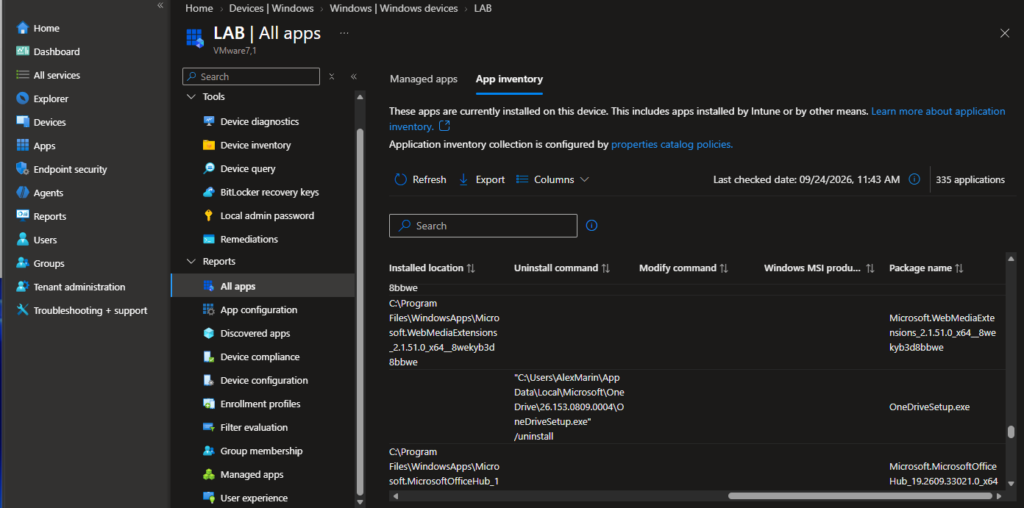
But that stopped at the device boundary. What Microsoft is describing now removes that boundary entirely. For packaging teams specifically, this will open up some concrete workflows once it ships.
You will be able to identify stale MSI or MSIX versions that are still installed weeks or months after a new build went out or catch unmanaged apps where users or scripts installed something outside your Intune deployment channel. You can also build target lists for remediation based on actual fleet data rather than tickets and guesswork.
It is worth noting that this feature is listed as “in development,” not the usual “what’s new” announcement, so there is no confirmed release date yet and details such as exact schema fields for the app inventory table could still shift before it ships.
Of course, querying your fleet is only half of the story because once you know which devices have stale or duplicate packages, you still need to clean them so the problem doesn’t go away with a simple report.
This is where PacKit helps with the automation side by keeping your MSI and MSIX builds consistent and properly versioned as part of your CI pipeline, so the fleet-wide inventory data you will soon be able to query reflects a controlled release process rather than a moving target.
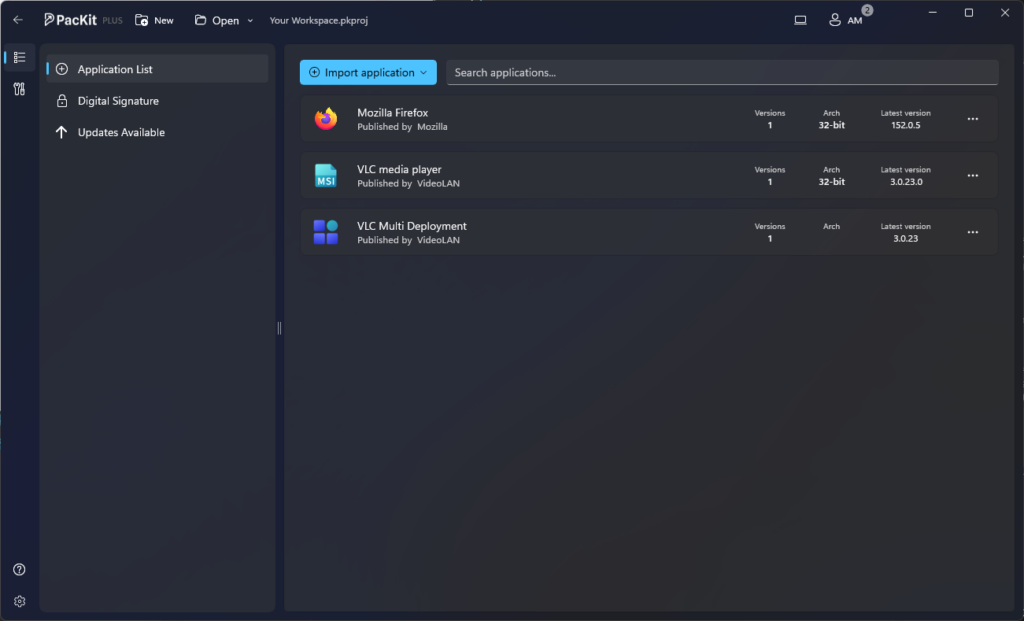
Multi-device app inventory query will not replace good packaging discipline, but it does give you visibility you’ve never really had before: a single query that tells you exactly where packaging drift is happening across the whole fleet, not just on the one machine about which someone happened to file a ticket.
Once it is available, it is worth adding it to your regular cleanup routine along with your existing detection rules and update checks.