Working as a software packager in an enterprise environment is already quite straightforward.
Once a vendor ships a new build, you pull it down, repackage it, bump the detection rule, test it against your ring structure, and push it out before the old version becomes a compliance liability.
However, in large infrastructures, you don’t have only one app. You have dozens of apps that every organization seems to standardize on, including browsers, PDF readers, communication tools, runtimes, and so on.
Aside from the multitude of apps you need to constantly repackage, the problem you face is having a version tracking mechanism in place.
Microsoft has been chipping away at this problem for a while with Enterprise App Management (EAM), which is basically a curated catalog of pre-packaged applications within the Intune Admin Center.
However, this June, Microsoft officially announced that EAM auto-updates are now generally available, which means that managed apps from the catalog will move automatically from one incremental release to the next, for example, 4.1 to 4.2, without the need for an administrator actually touching a package or a detection script.
Everything happens automatically in the background, giving your software packagers some room to breathe while also keeping your security in place with the latest updates, which usually cover some security exploits/issues.
What Changes With EAM Auto-Updates?
Now, the term “auto-updates” gets thrown around loosely, so let’s understand what that actually means.
EAM auto-updates only apply to applications in the Enterprise App Catalog, not custom Win32 applications that you have built and uploaded yourself.
When an application in that catalog gets a new incremental update, Intune automatically advances it on your managed devices based on the update settings you’ve configured.
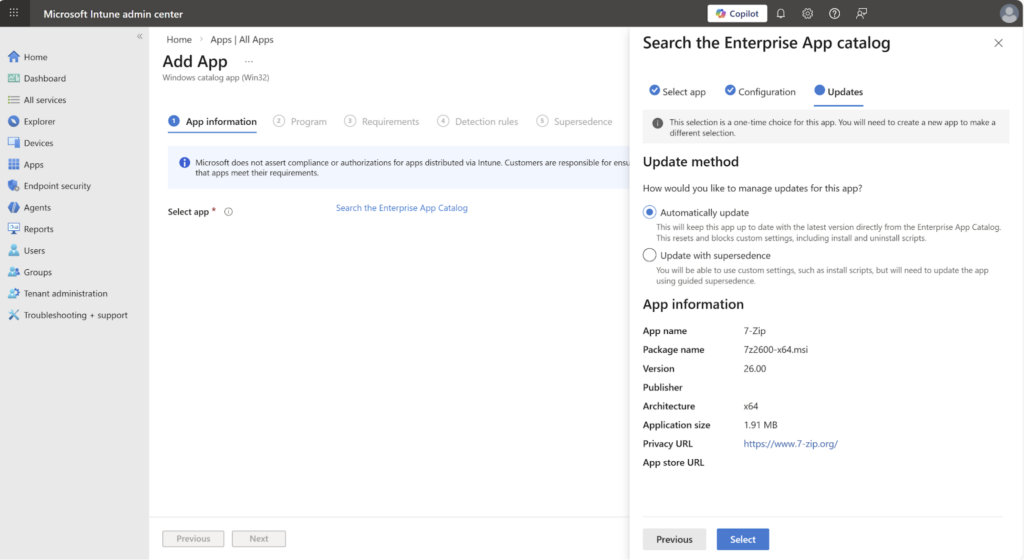
Microsoft frames this as a way to shrink the window of exposure to known vulnerabilities between full version upgrade cycles, which is a fair way to think about it.
If you spend less time on mechanical repackaging, and an application spends less time sitting in an outdated, potentially exploitable build, it’s better for everybody, right?
For teams that maintain large Win32 catalogs in large enterprises, this slightly changes the calculations on what deserves in-house packaging efforts and what doesn’t.
If an application support is in the EAM catalog and its packaging needs are generic, there is a decent argument for letting EAM handle it entirely and redirecting your packaging time toward the applications that actually need human judgment.
When we talk about generic versus human judgment applications, I mean that in enterprise environments, applications must usually come already configured to the user. There are many applications where the auto-update feature is not simply disabled via an MSI Property, or there are extra configurations that the business expects to be already included in the package so that the overall infrastructure has a common ground in terms of configurations.
Unfortunately, generic applications are simply applications with standard silent install switches, no custom transforms, and no special configuration layered on top, whereas the others are usually line-of-business software or anything that requires an MST or custom MSI properties, applications with dependencies that don’t detect cleanly out of the box, or anything where the organization-specific configuration doesn’t match the Microsoft default catalog build. This is where EAM doesn’t help anymore because the vendor install default is not good enough for your environment.
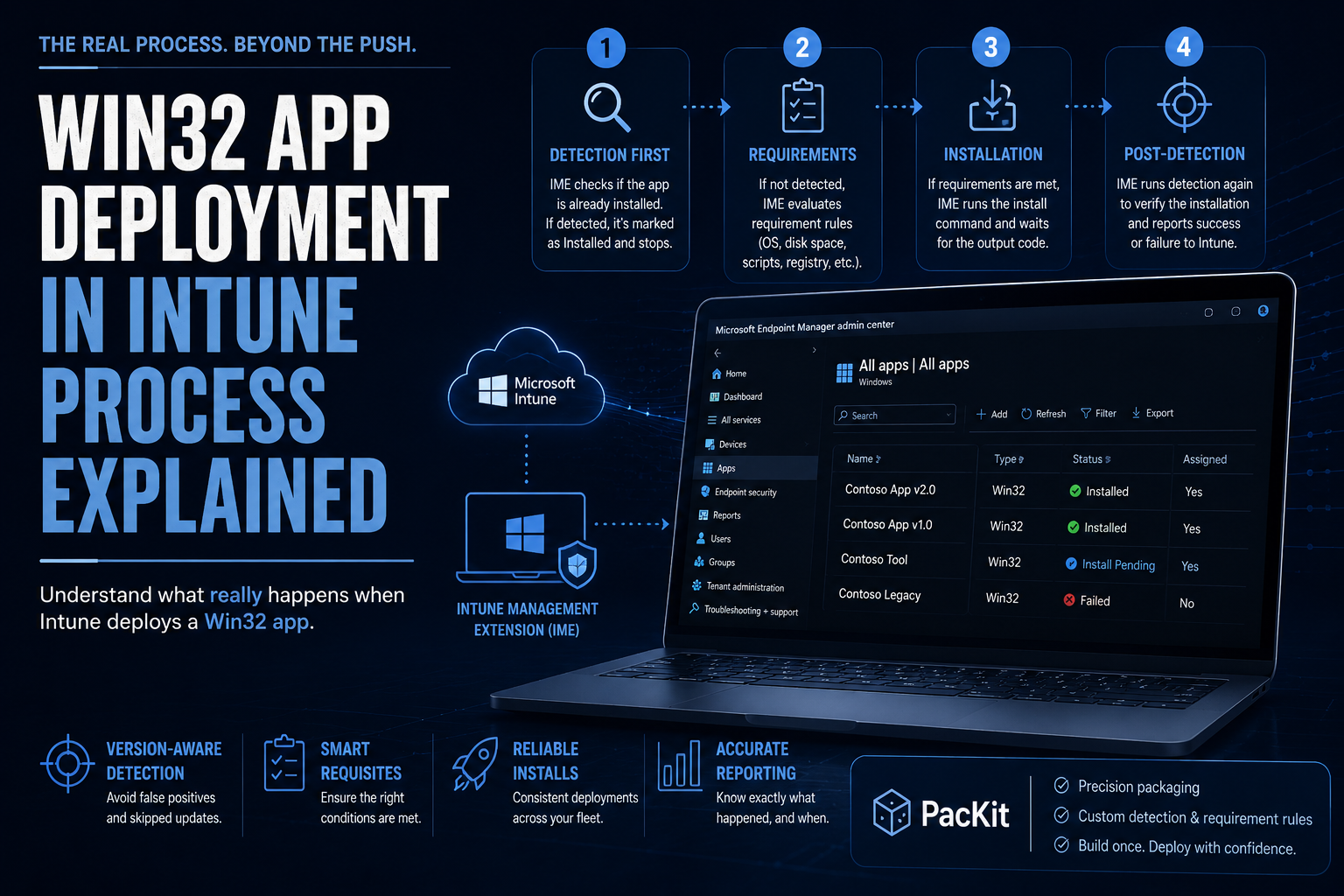
Even in a world where EAM is absorbing more generic applications, tools like PacKit earn their keep. This tool won’t replace EAM’s zero-touch model, but it does cut down the manual overhead of the applications that stay under your control.
PacKit reuses the silent install command line from the previous version when you are updating a package, so a new version bump doesn’t mean redoing switches from scratch, and it handles the .intunewin generation and actual push to Intune or SCCM from the same workspace, rather than being a separate manual step after packaging.
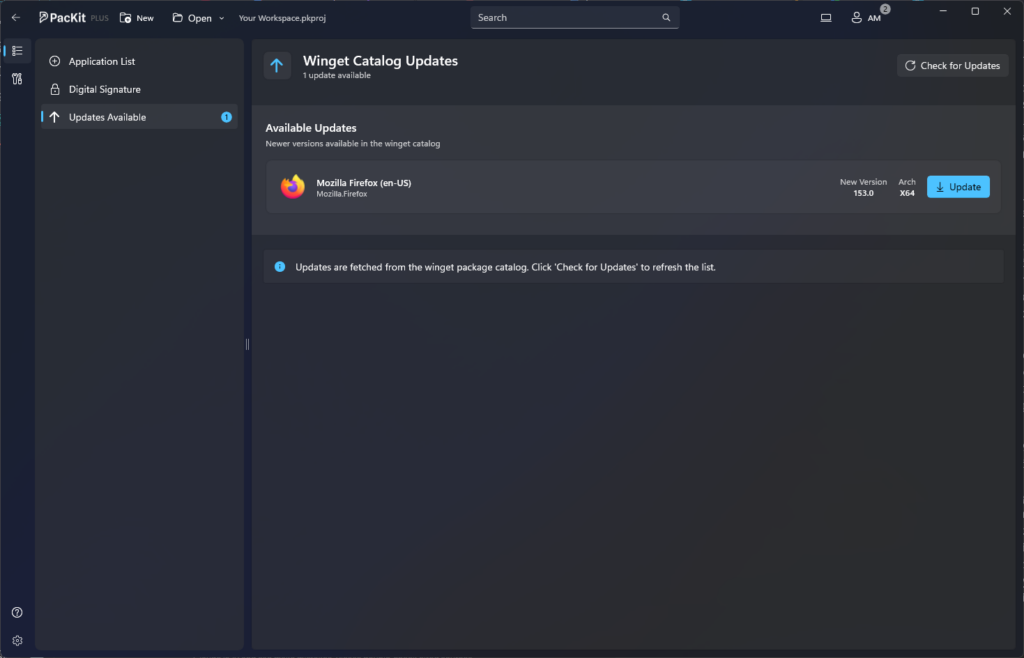
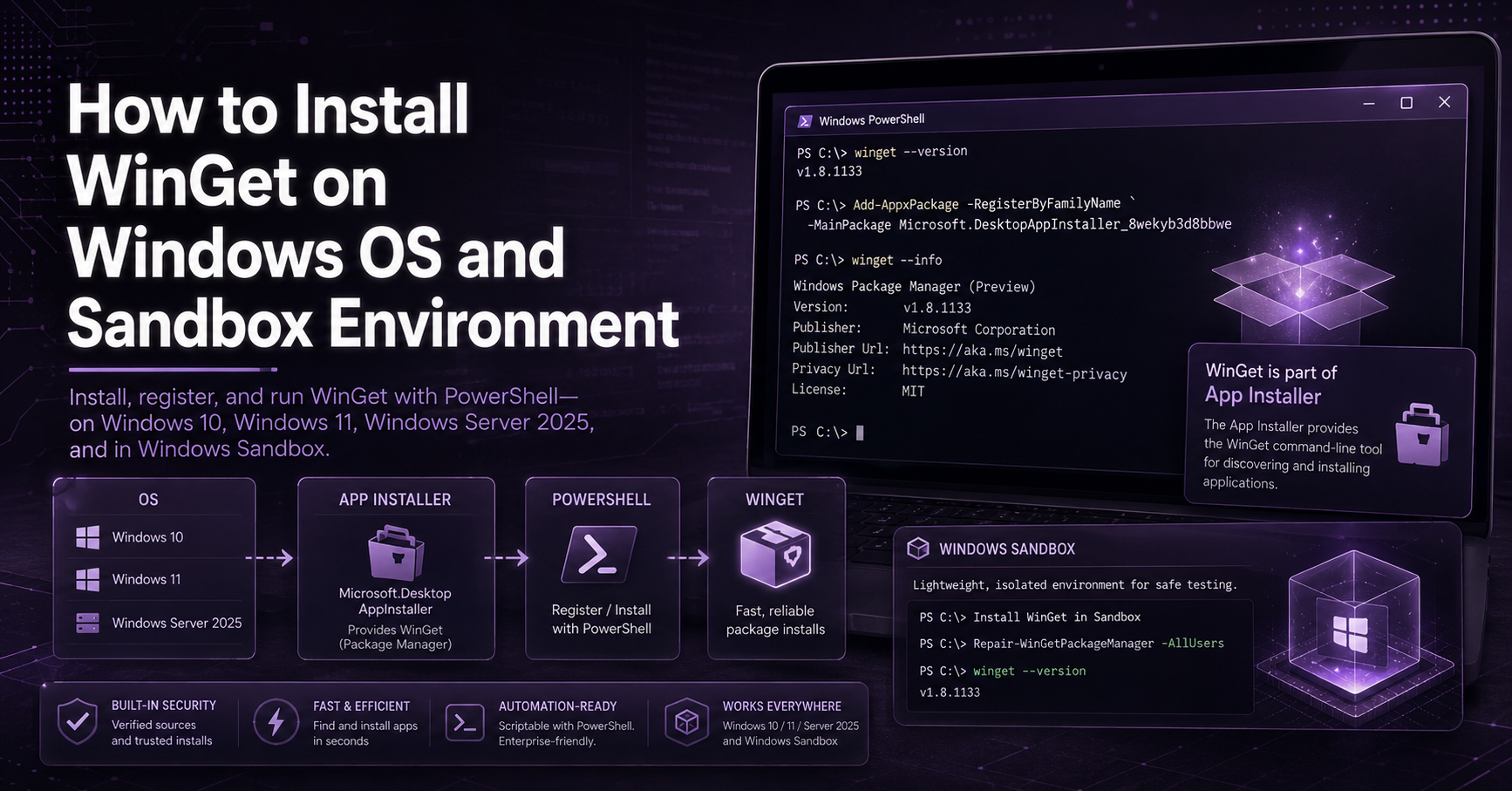
It also has its own WinGet-backed app catalog for the genuinely generic applications you don’t want to hand-build from scratch, which is a useful middle ground between fully automated with EAM and fully manual in-house for teams that want to keep everything in one deployment pipeline instead of splitting workflows between EAM and their own tooling.
PacKit recently introduced Package Manifest, which addresses a version tracking problem that is separate from EAM but similar in spirit: keeping the package metadata from drifting apart across systems.
Instead of having detection rules, silent switches, uninstall commands, and deployment requirements scattered across installer files, spreadsheets, or internal wikis, PacKit stores that metadata as an open format alongside the package source in a “.packit” folder that acts as a single source of truth.
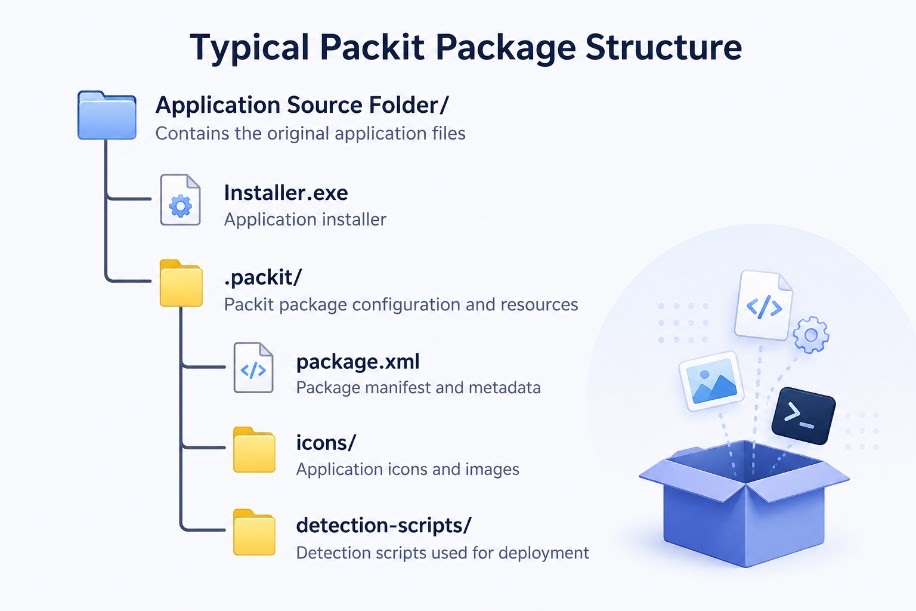
It is also built to be used outside of PacKit through the free PowerShell module, so the same package definition can feed CI/CD pipelines, Intune workflows, or an internal repository without typing the same install parameters in five places.
For a team maintaining a large catalog, structured and portable metadata is the more direct answer to less version-heavy packaging than auto-updates alone.
You can learn more about PacKit’s features here and track its progress on the Version History page.
Three Things You Should Know Before Leaning on EAM:
There are some things that are maybe worth mentioning in this article.
First, EAM is not free.
It is licensed per user and is separate from the base Intune subscription. It is worth checking current pricing before you plan around it, as Microsoft has been restructuring how these add-ons are packaged.
As of July 2026, EAM and Endpoint Privilege Management will be integrated into Microsoft 365 E5, changing the cost equation for organizations sitting on E5 licensing but leaving it as a genuine line item decision for anyone on an E3 or standalone Intune plan.
The second is that Microsoft controls the catalog, not you.
Applications are added to the Enterprise App Catalog, but some apps also may get removed from it, sometimes at the vendor’s own request.
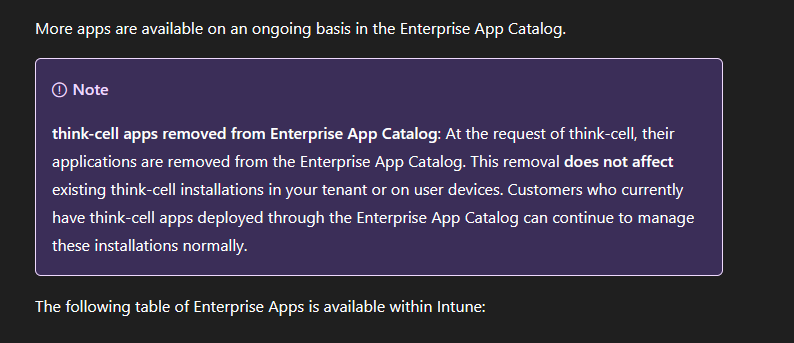
That is a useful reminder that a catalog is a moving target over which you have no control and that any app your organization depends on heavily is worth a periodic sanity check against the current catalog list rather than assuming that “it’s in EAM.”
The third is that EAM is not the only solution for this.
Patch my PC has been offering automated third-party update management for Intune for years, complete with its own catalog, customization options for pre and post scripts, and MSI transforms.
Patch my PC is priced per device rather than per user.
Patch My PC is the natural comparison point if you are evaluating whether to lean on the Microsoft catalog or keep more control in-house.
Why Packaging Still Matters
None of this eliminated the need for packaging.
Versioning still matters for anything outside the EAM catalog, and it arguably matters more for the applications you keep in house, since those are now the exception rather than the rule and deserve a deliberate reason for staying that way.
Detection rules still need to be accurate and specific, and rollback planning doesn’t go away just because updates are automated.
Even for EAM-managed apps, keeping a ring-based rollout and knowing how to pin or hold a version if a release causes problems is still worth incorporating into your process.
Conclusion
EAM auto‑updates reduce the repetitive packaging workload for generic, catalog‑based apps, but they don’t eliminate the need for software packaging in enterprise environments.
Auto‑updates keep popular apps current and secure, but they are limited to Microsoft’s catalog and have licensing, catalog‑control, and coverage limitations.
Packaging still matters for everything outside that catalog, such as apps requiring custom configs, transforms, dependencies, or organization‑specific behavior. Tools like PacKit remain essential for version tracking, metadata consistency, and streamlined Win32 update workflows.
While EAM shrinks the generic workload, deliberate in‑house packaging continues to be the backbone of maintaining a reliable and predictable enterprise application ecosystem.