When it comes to application packaging, there aren’t any industry standards or laws that define or govern it. Indeed, many general practices considered appropriate are adopted by MSPs. However, that doesn’t mean it’s the most effective way of handling application packaging in general.
I’ve been doing application packaging and infrastructure management for quite some time, across multiple customers, divisions, and various types of implementations and structures. I can confidently say there’s no such thing as a “universal solution.”
Why am I saying this? Because what I’m about to propose might seem a little bit out of the norm for many individuals working in companies, but I want you to think outside the box for a second with me.
What Are Current Processes
First, I want to clarify what I mean when I talk about handovers. I am pointing to two scenarios:
- Having to hand over the package itself to my customer with the necessary documentation
- Full-scale migrations from one service provider to another
It is widely known that each and every customer will rely on some sort of documentation tool and a place to store the actual deliverables, such as the MSI package or whatever type of package you are delivering.
How SharePoint and Similar Tools Work
I’ve actually written another article on SharePoint and how it has become, more or less, the go-to tool in medium and large enterprise environments for such types of actions or general activities that service providers must perform.
We can think of SharePoint or other similar types of tools as central platforms used by both the service provider and the customer to organize and manage their shared work. Throughout the project lifecycle, these tools help in tracking actual packages, related documents, and essential details such as version history, install command-line issues, dependencies, and other important information.
The problem in general with these kinds of tools is that you will need someone in the background to monitor and take care of these tools. It means that you’ll need more IT professionals to help you maintain your SharePoint infrastructure or the application itself so that it can help you with something else, such as application packaging.
SharePoint is indeed useful for more than just application packaging. You can store almost anything you want. You can use it as a commercial tool to store all of your contracts, documents, processes, internal documentation, and anything else you need within your organization.
However, what I am about to propose may simplify or even reduce the amount of time spent within your teams on such documentation and deliverable handover.
How PacKit Simplifies MSP Handovers
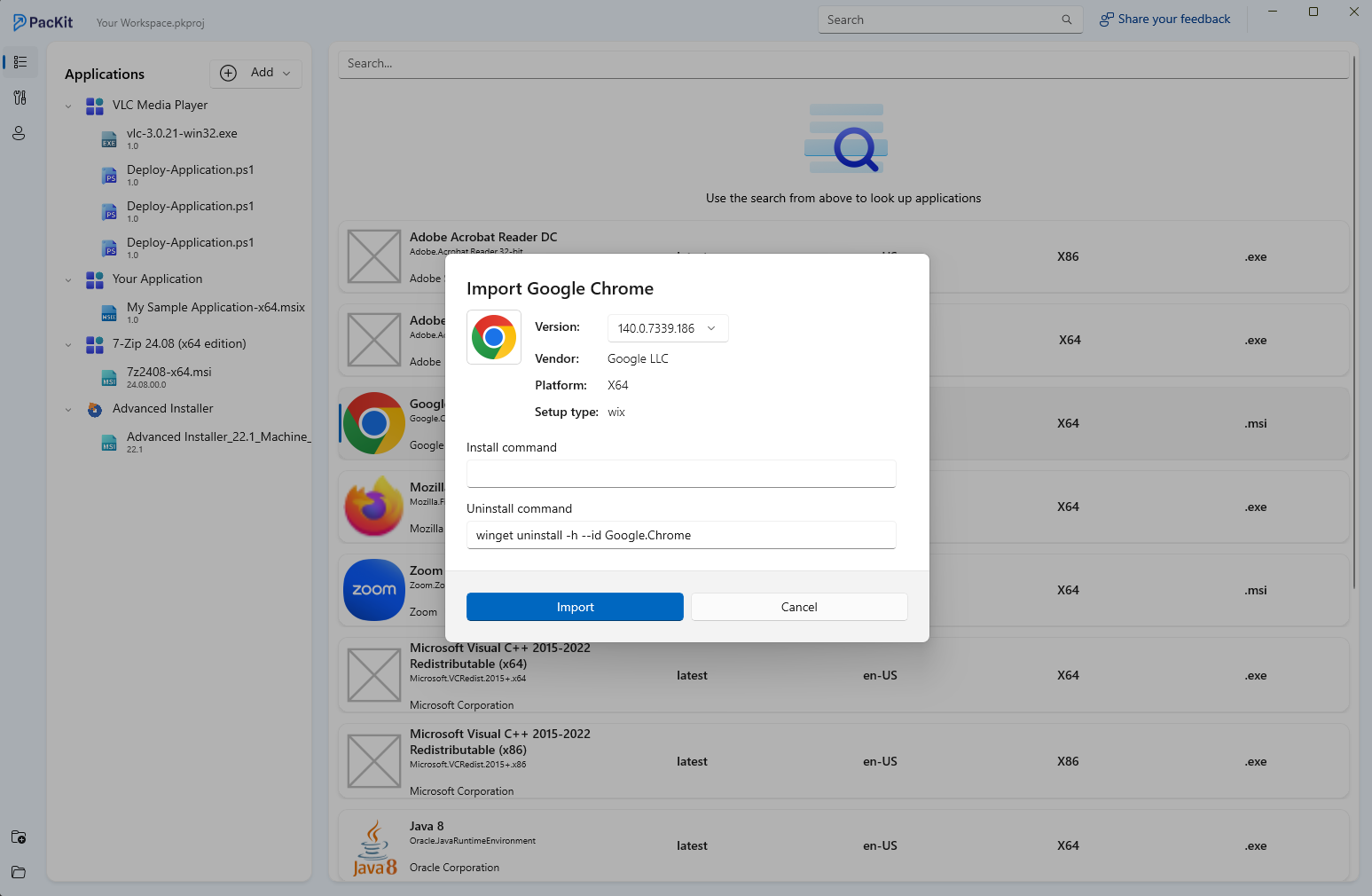
Now, as I’ve explained in my other blog posts, PacKit offers you the solution to have multiple types of workspaces.
You can design the workspaces however you like. For example, you can organize your workspaces based on your customers, or based on internal teams, or whatever type of categorization you want to apply.
But what people might not know is that the workspaces themselves are saved locally on your device. This means that you can technically just pick up the workspace and put it on a shared drive, a shared network drive, or whatever type of common communication you have with your customer, and from there, anybody can access it. So what does this mean, exactly?
Well, this gives you an incredible amount of flexibility while cutting down the endless hours wasted in outdated, repetitive processes that clutter most infrastructures. Right now, customers still expect a packaging document. It’s essentially a detailed checklist you have to assemble piece by piece. You include installation and uninstallation command lines, package and product names, version numbers, company info, and sometimes even describe the folder structure or how the package might interact with others.
It sounds simple until you realize these are Word documents you fill in manually, every single time, before handing them off. You know what’s worse? Each client wants their version, layout, and branding. So you end up working on a dozen templates, all slightly different, all equally time-consuming.
How Can You Simplify Workspace Sharing With PacKit and Advanced Installer?
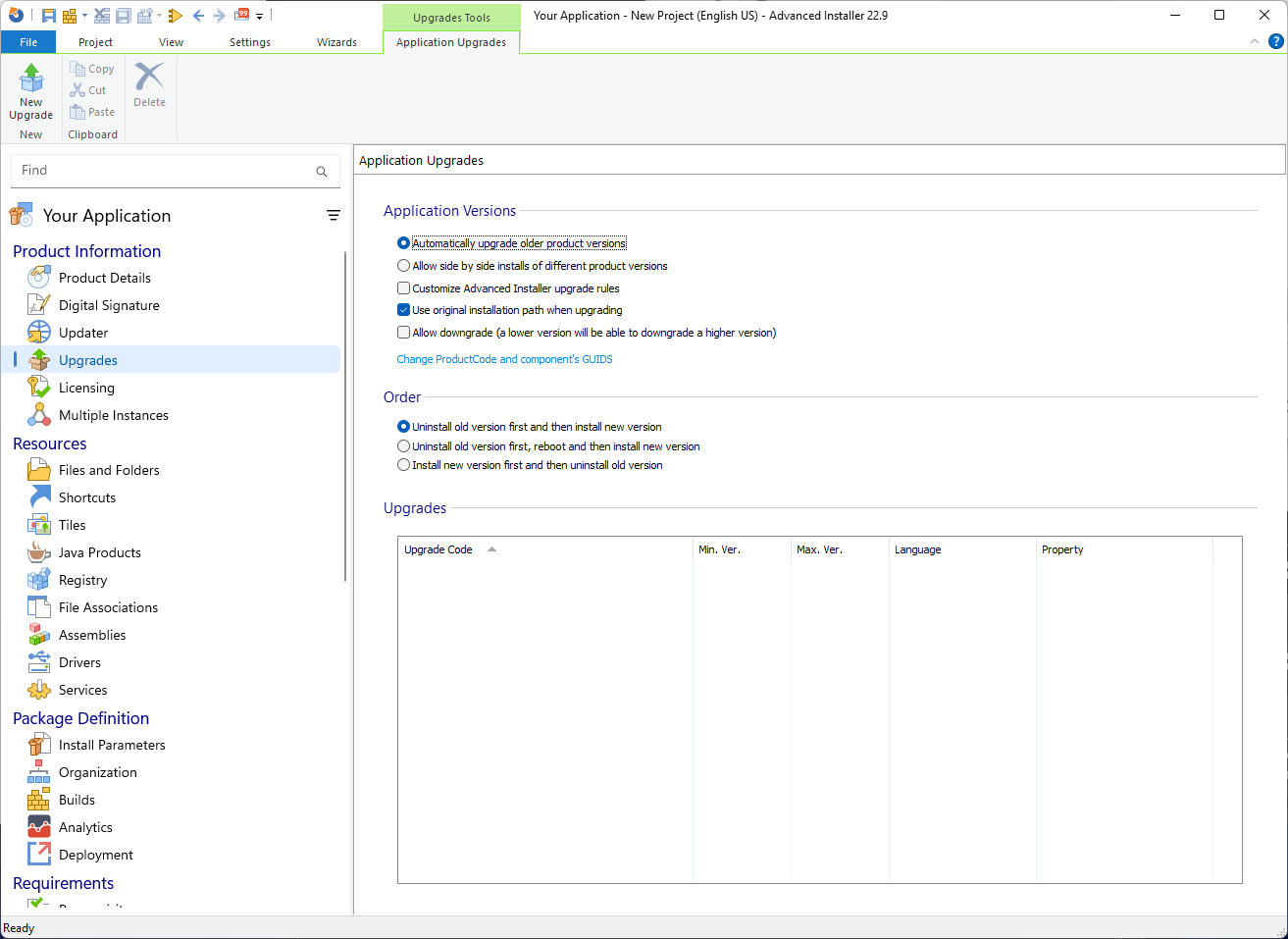
If you use the full Advanced Installer suite together with PacKit, you can cut all the time you spend on documentation and customer deliverables. In Advanced Installer, you can easily create a PDF report, which will give you a full view of your project. This report will contain everything from the file registry to whatever else is needed, such as product name and version. And, with the ability to share PacKit workspaces with customers, this makes it a great duo of applications that will literally cut your work time.
You can find out more about creating a PDF report using Advanced Installer’s Project Summary in this article.
So not only will you set a standard across all your customers by delivering the same type of documentation and workspace with all the proper information, but you also help your internal teams by minimizing their effort into “bureaucratic exercise.”
Furthermore, Advanced Installer pushes this even further by generating a report that locks itself in place, a literal snapshot of your project inside a non-editable PDF. Compare that to the usual process, where application packagers write everything manually in Word, with the risk of wrongly provided information and missing fields, which can lead to some issues along the road.
Try Advanced Installer and PacKit for free – no credit card needed.
Final Takeaways
- There aren’t any standards for application packaging, only general practices
- There are two scenarios used in MSP handovers: sending the package over with its documentation or a full-scale migration from one service provider to another
- SharePoint and similar tools run by having someone monitor the entire process, from documentation to overall maintenance
- PacKit offers the possibility of sharing your workspaces, which simplifies the process of MSP handovers
- Advanced Installer also offers the possibility to generate a PDF report, which works as a literal snapshot of the project, making it an amazing tool combo with PacKit
Conclusion
MSP handovers may not follow a universal standard, but clarity and consistency can make all the difference in the world.
With PacKit’s workspace sharing and Advanced Installer’s PDF reporting working hand in hand, teams can share data and packaged applications without the usual friction or manual detective work. Instead of fumbling across tools and notes, MSPs will get a clean, confident handover built on transparency, shared access, and complete project insight.