For IT Professionals who are handling software packaging and deployment activities inside an infrastructure, it is important to have everything documented and at hand at any time. The documentation of a software package is usually the last step that a software packager takes before deploying the package inside an infrastructure.
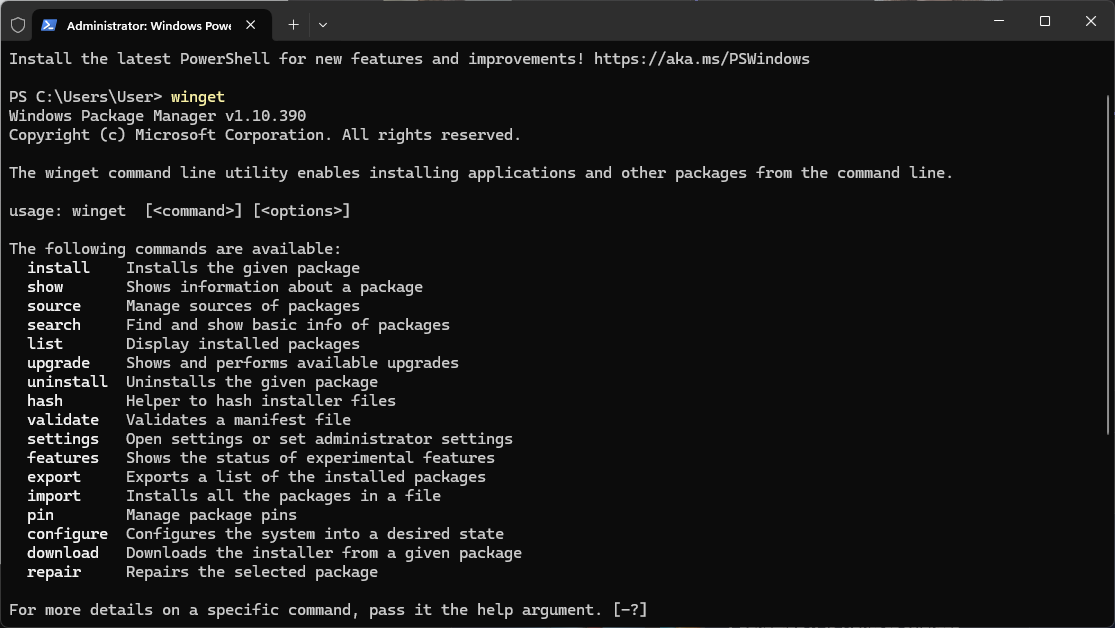
The day the documentation is created depends purely on the company’s requirements, but usually, the most important aspects of a software package that are typically documented are the installation and uninstallation command lines. Those are used in the software deployment process.
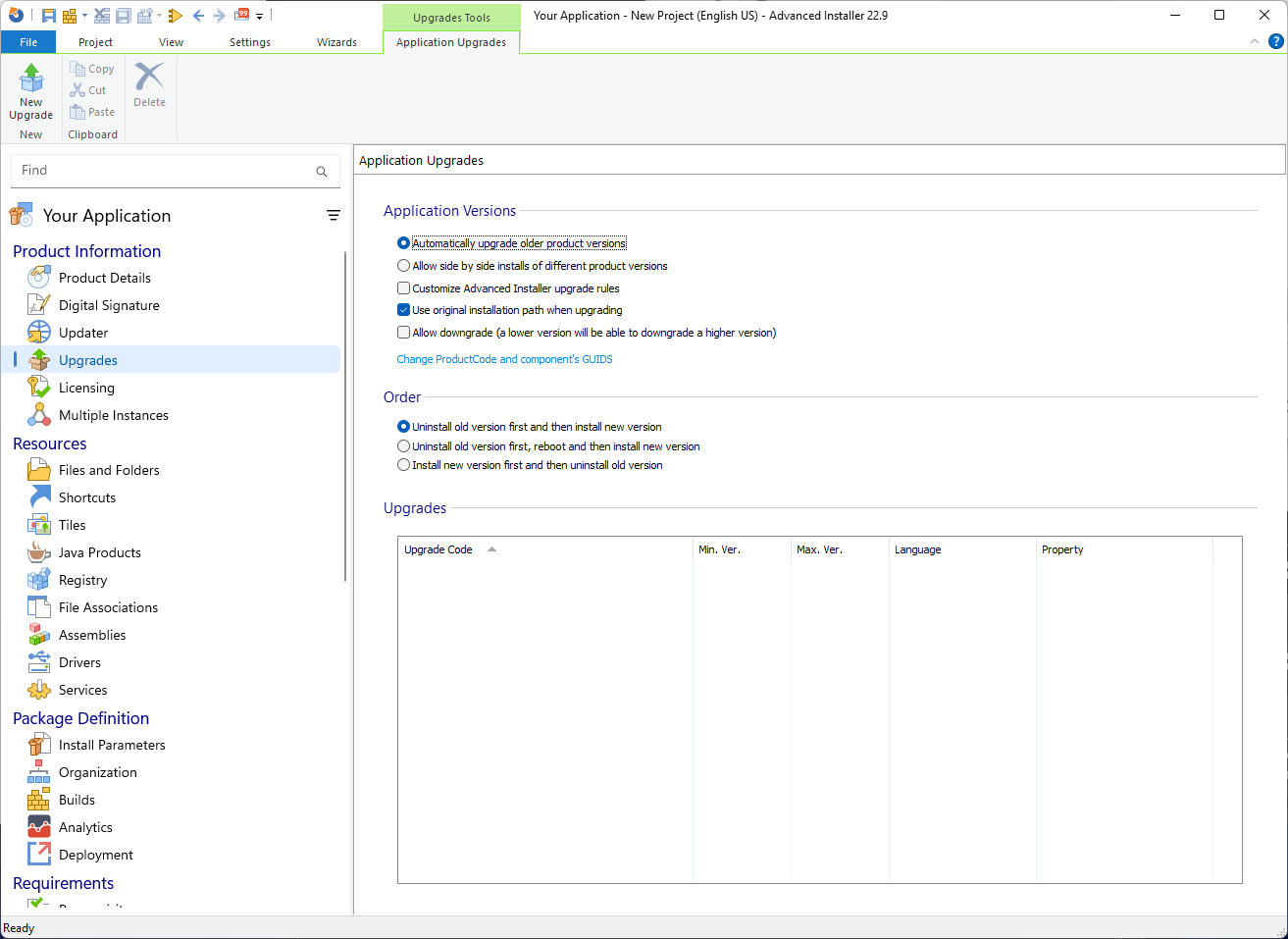
Advanced Installer offers the possibility to export a Project Summary in which you can include the product details, such as:
- Which resources, including files, folders, and the registry, are being used?
- What dependencies does a software package have?
- What launch conditions are set for the package?
- Any other additional information that is present in the project itself.
However, once the documentation is completed, regardless of the method or tools used to create it, the IT Professionals must upload and update the documentation in a centralized repository.
In this article, I want us to understand the way documentation works in the software packaging world and how PacKit seeks to improve it.
What about SharePoint and other third-party tools?
As previously mentioned, each company uses different tools. In large enterprises, the most popular tool for storing documents and lists is Microsoft SharePoint. In combination with the M365 license, uploading, opening, and editing documents online has its advantages. SharePoint is not only a place to store documents, it’s a powerful tool designed for organizing data.
To organize your data, you can use “lists.” You can think of lists as an online Excel Spreadsheet, which makes it easier to collaborate on, holding more than just text.
You can create lists from scratch and define each data row needed, or you can use templates and edit them later. In those lists, you can attach whatever type of document you want. In the software packaging world, you can attach the prepared package document directly to SharePoint.
However, if you are not a large company, then SharePoint might not actually be your choice for keeping the documentation. The reason is that SharePoint comes in two types:
- On-Premise
- Online (Cloud)
For the first option, you have some infrastructure requirements, such as dedicated servers, storage, and a solid network setup. Apart from that, the installation of SharePoint isn’t plug-and-play. It often involves Active Directory, SQL Servers, and careful planning with service accounts and permissions. These points bring in some costs that medium and small companies are not willing to pay.
You could argue that the online solution would be a cheaper alternative, but it still has a pricey tag. Usually, SharePoint is bundled with 365 plans, but if you are going to have a large 365 plan just to have SharePoint included, you are already paying a hefty amount on a monthly basis.
Other solutions to SharePoint exist and are seen in the enterprise landscape, such as Confluence, Google Workspace, GlassCubes, and so on.
PacKit Workspace brings all your packaging and documentation tasks together in one place
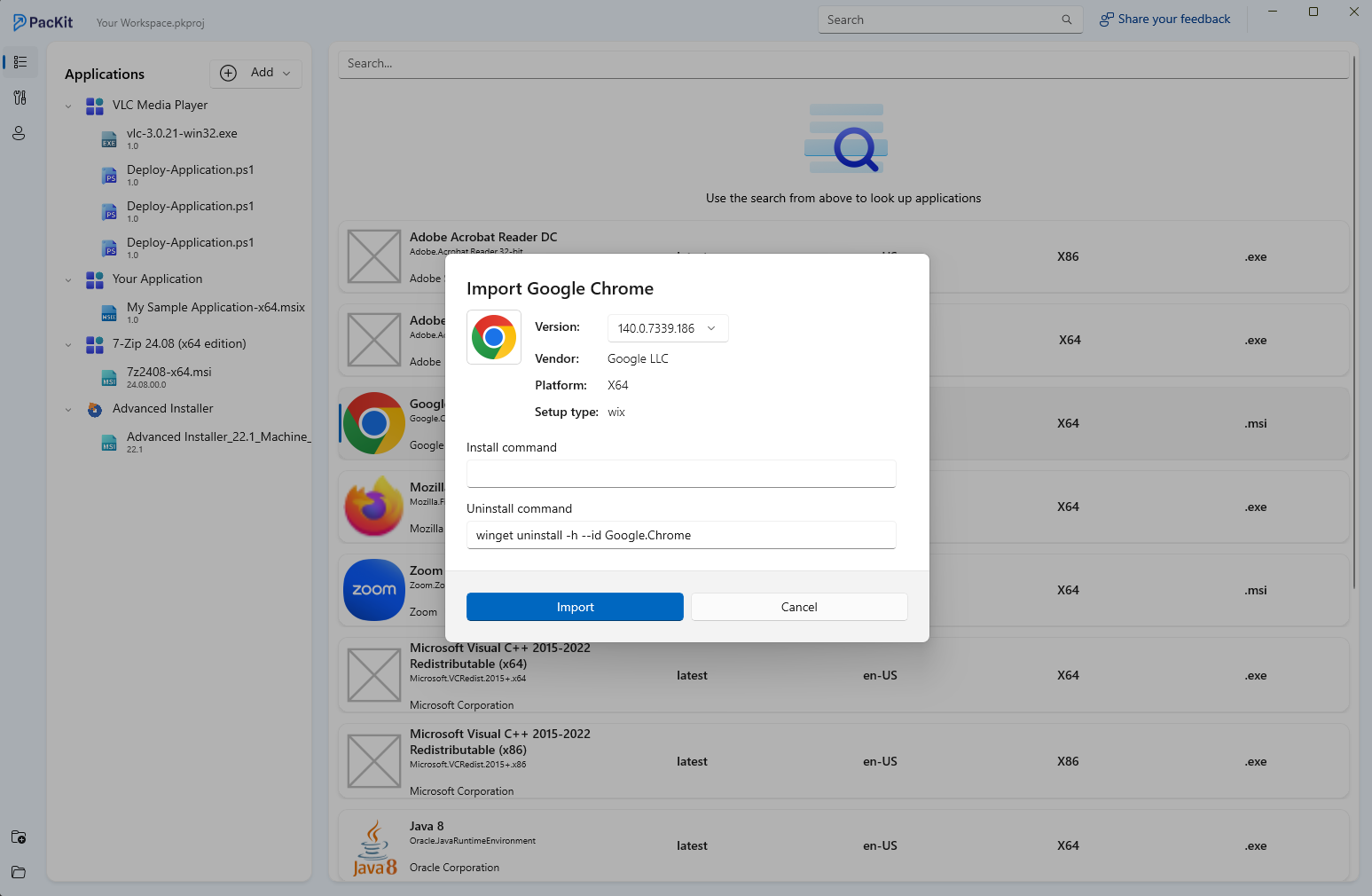
PacKit from the Advanced Installer team aims to centralize your package management with dedicated workspaces. It lets you group and organize applications by projects, clients, location, or any other type of criteria you need.
The idea behind it is that there is no universal dedicated solution when it comes to documentation and shared spaces, but by combining the project summary of Advanced Installer and the workspaces of PacKit, you could have a fully fledged solution when it comes to packaging end-to-end.
No more headaches with setting up third-party tools to keep lists of install and uninstall command lines, no more headaches with maintaining an active infrastructure behind the software packaging walls, no more access control list changes and requests, just simple data finding when you need it.
You can download and try PacKit for free from here.
Conclusion
Effective documentation is a cornerstone of successful software packaging and deployment, especially for IT professionals managing complex infrastructures. While traditional tools like SharePoint offer robust capabilities for organizing and storing documentation. They often come with high costs and infrastructure demands that may not suit smaller organizations.
PacKit, developed by the Advanced Installer team, presents a streamlined alternative by integrating documentation directly into the packaging workflow. By combining Advanced Installer’s Project Summary with PacKit’s centralized workspaces, professionals gain a cohesive, scalable solution that simplifies documentation, enhances accessibility, and eliminates the need for cumbersome third-party setups.
Ultimately, PacKit empowers teams to maintain clarity, consistency, and control over their software packaging processes, making documentation not just a final step but a strategic asset.
You can learn more about PacKit’s features here.