7-Zip is a lightweight, open-source file archiver widely used within enterprise environments, and many users rely on it. Deploying 7‑Zip across your organization via Microsoft Intune ensures consistency, minimizes manual effort, and simplifies the app management process.
In this guide, we’ll go through how to package, upload, configure, and deploy 7‑Zip using Microsoft Intune.
Step 1: Download the 7‑Zip Installer
Visit the official 7-Zip website and select the appropriate installer, such as the 64-bit MSI, for easy customization if needed.
Step 2: Customize and package the installer
If necessary, you can customize your installer – in this scenario, by creating an MST file that contains all your customizations.
Step 3: Convert the installer into .intunewin
Download the Microsoft Win32 Content Prep Tool from GitHub and then run the following command:
IntuneWinAppUtil.exe -c <source folder> -s <source MSI file> -o <output folder>This will generate the .intunewin file in the output directory.
Step 4: Set up the App in Microsoft Intune
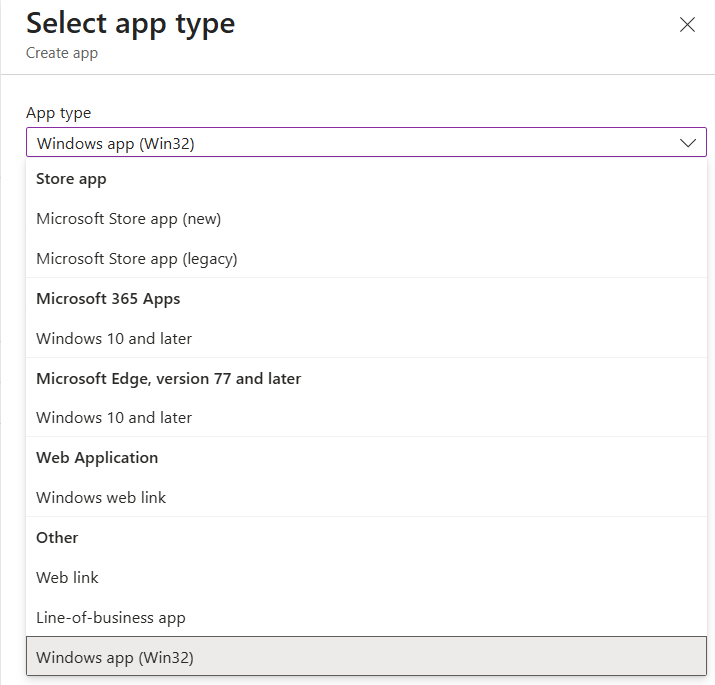
When you add your application to Intune, you can select either Line-of-Business (LOB) or Windows (Win32). For this example, we’ll use Windows (Win32), which offers more flexibility and control.
Check out our Microsoft Intune Apps: Line-of-Business (LOB) Apps vs. Windows (Win32) Apps article to find out more about Windows (Win32) apps, as well as a side-by-side comparison of LOB and Win32.
- Navigate to Apps > Windows > Add > App type: Windows app (Win32)
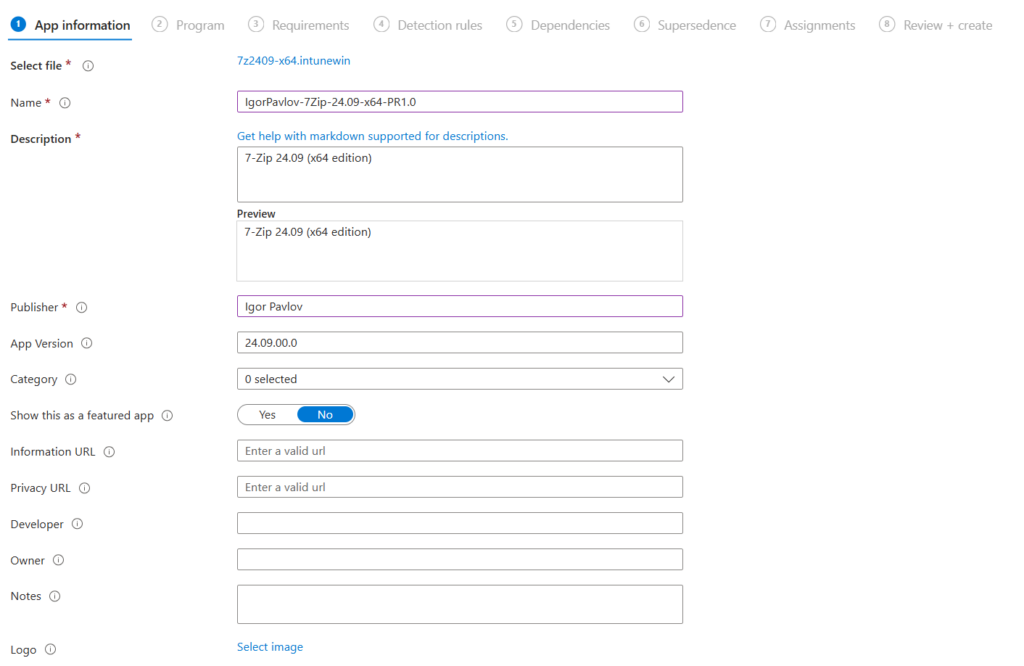
- Upload your .intunewin file, then fill in the details
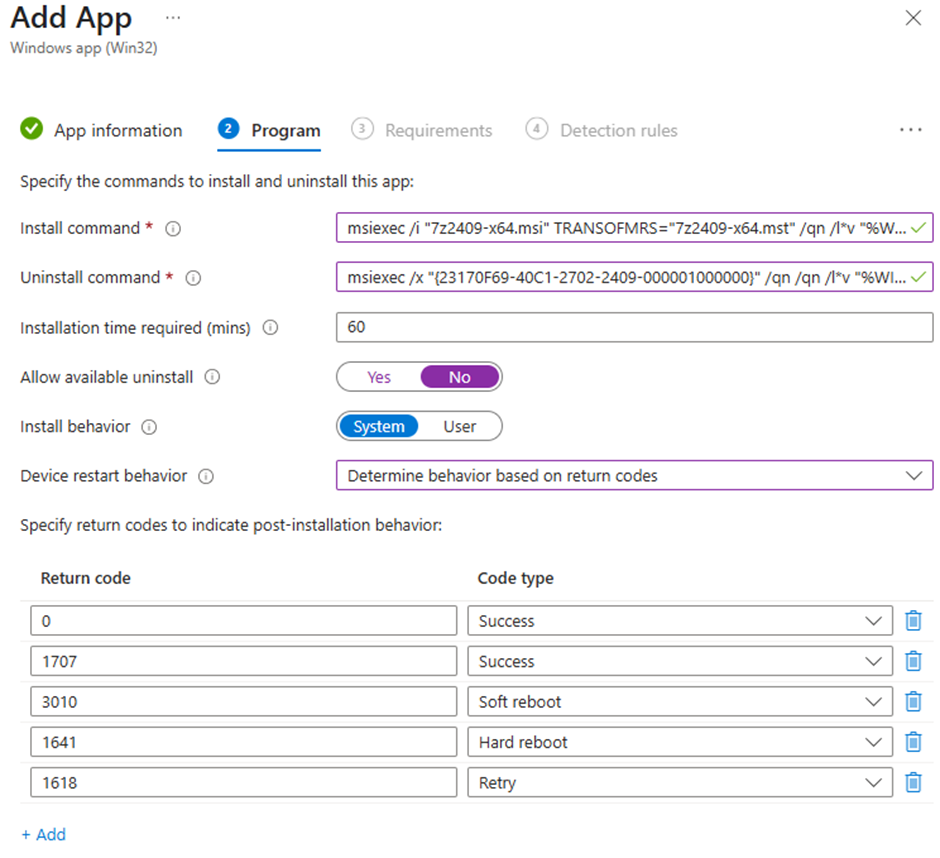
- Configure Program settings
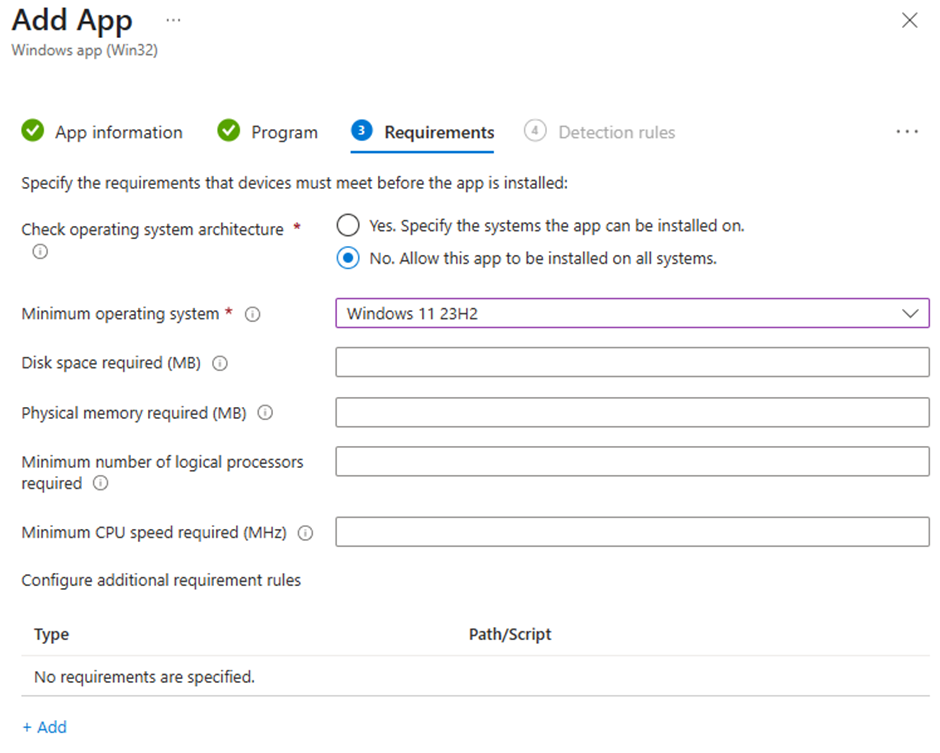
- Define Requirements
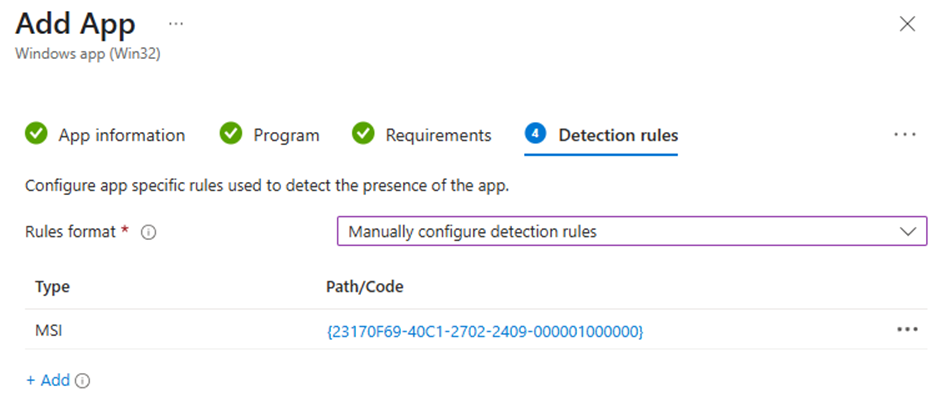
- Define Detection Rules
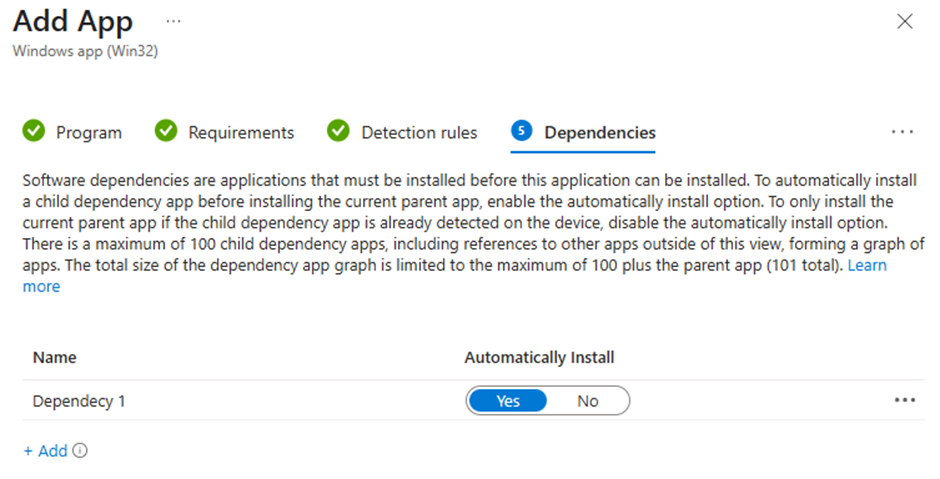
- Set Dependencies: none are required for this specific application
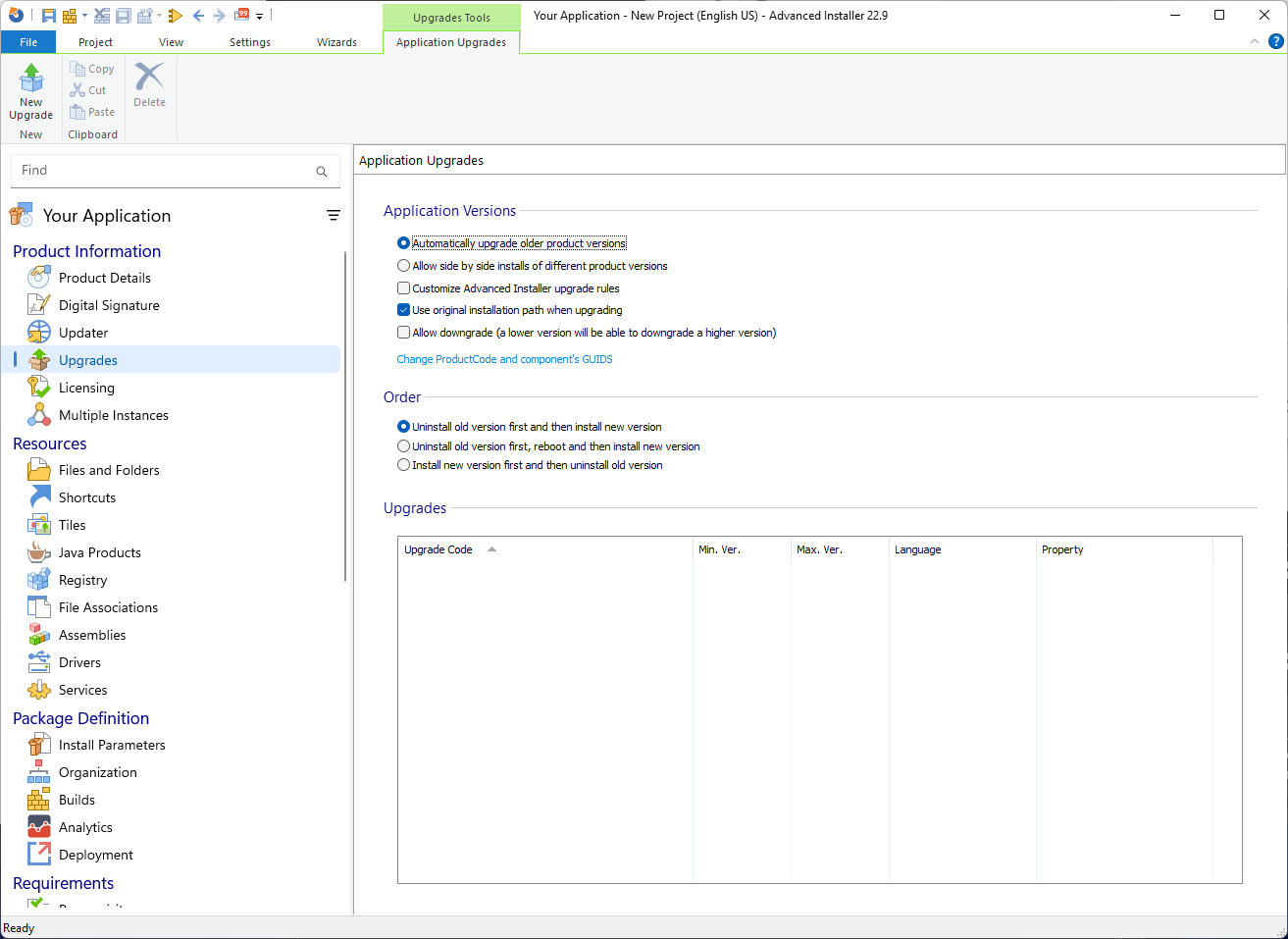
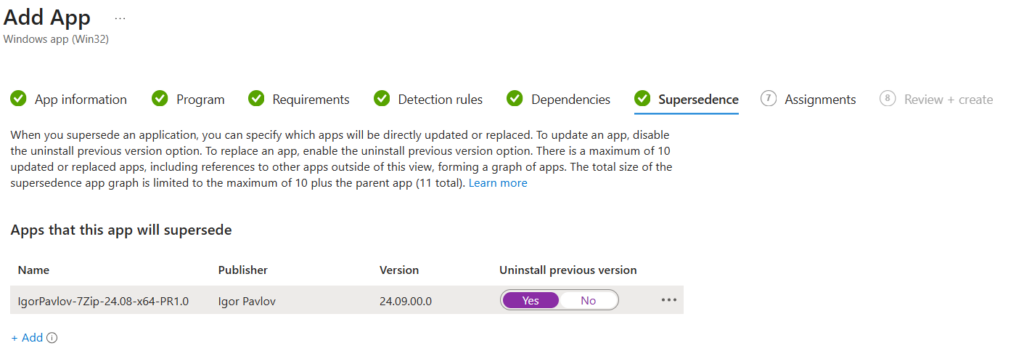
- Set Supersedence – here you can set this new packaged version to supersede the old one
- Set Assignments and Deployment
PacKit: The Go-To Tool to Streamline and Automate the Deployment Process
PacKit simplifies and automates 7-Zip deployment through Microsoft Intune. Here’s how:
- Automated .intunewin conversion
To deploy a Win32 application, such as 7-Zip, with Intune, use the Microsoft Win32 Content Prep Tool to convert the installer into an .intunewin package. PacKit handles this automatically, reducing manual overhead.
- Seamless Integration with PSAppDeployToolkit (PSADT)
PacKit gives you the option to wrap your installer with PSADT directly from the PacKit GUI. If needed, you can edit the Deploy-Application.ps1 directly from PacKit.
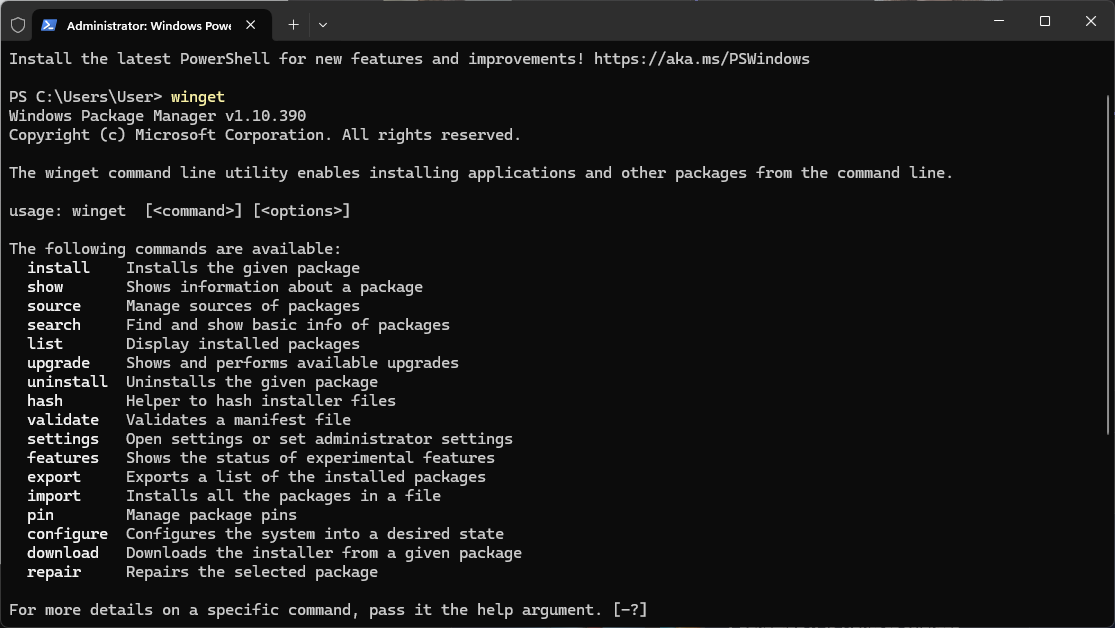
- WinGet Integration
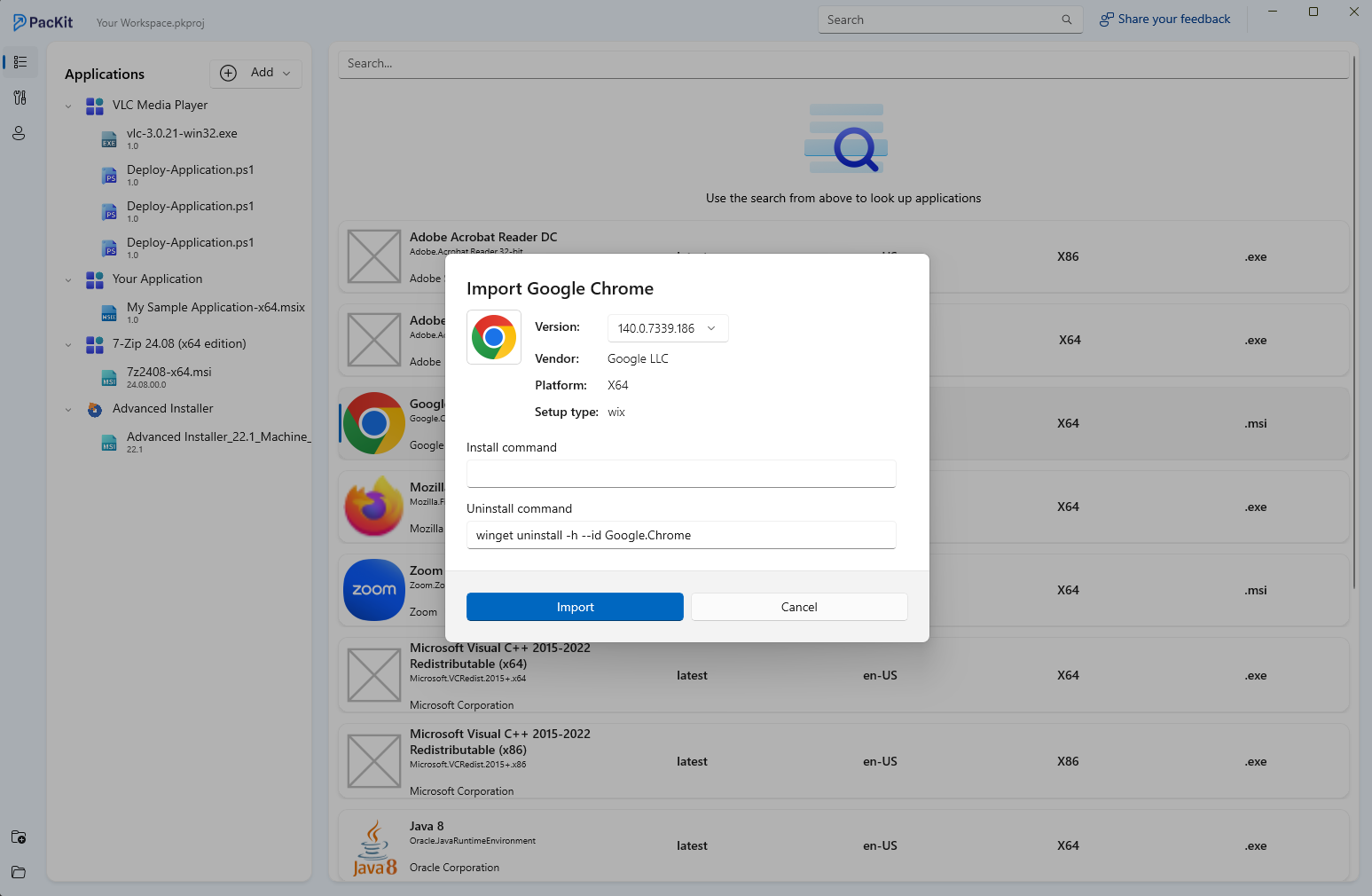
With PacKit, you can not only import your application straight from WinGet, but you also get notified when a new version becomes available.
- Direct Upload to Intune
Once packaged, you can upload the .intunewin package and deploy the app directly from PacKit. There is no need to switch to the Intune portal at all.
Metadata like install and uninstall command lines and Detection Rules can be preconfigured within your PacKit workspace.
- Organized Workspaces and Package Management
PacKit workspaces allow you to group your projects. You can store and reuse install/uninstall commands, silent switches, detection rules, and any other metadata related to your application.
Don’t miss out: download PacKit for free and enjoy the hassle-free Intune app deployment process.
Final Takeaways
- Customize the MSI if needed using an MST transform to define silent install parameters, branding, or organizational defaults.
- Convert your installer into an .intunewin package using Microsoft’s Win32 Content Prep Tool to prepare it for Intune deployment.
- Upload the package in Intune as a Windows App (Win32) and configure install/uninstall commands, requirements, detection rules, and supersedence.
- Assign the application to users or devices, validate deployment, and streamline future updates using repeatable packaging and configuration steps.
Conclusion
The installation of 7-Zip via Microsoft Intune not only reduces manual efforts but also standardizes installation throughout your environment. If you prepare and configure everything properly, the whole thing will no longer be a one-off event but rather a process that can be repeated, reliable, and even scalable.