PDQ Deploy has become a well-known player in the IT management industry. It is a powerful software deployment tool that automates and simplifies the process of installing, updating, and managing applications on Windows-based networks.
In essence, PDQ Deploy provides automated software deployment, allowing you to push software patches, scripts, and updates to multiple devices simultaneously.
It includes a large library of prebuilt packages for common applications and supports chaining tasks such as installing an MSI, then running a PowerShell script, or even rebooting devices. Additionally, PDQ Deploy offers deployment scheduling and targeting.
In this article, I’d like to focus on various solutions that can be considered as alternatives for PDQ Deploy, either in terms of cost or utility.
ImmyBot
ImmyBot is the first alternative we consider when it comes to device management. ImmyBot offers robust device management capabilities, but it is not a complete remote monitoring and management solution.
ImmyBot can automate your onboarding and provisioning process, allowing you to quickly deploy workstations with user role-specific settings and configurations. You can also handle the software deployment and patch management, which includes pushing updates, zero-day patches, and maintaining software across endpoints.
Another useful feature is the ability to schedule ImmyBot to perform checks to ensure that the devices remain compliant with the defined standards over time. Last but not least, you can configure and control not only user roles and permissions but also custom scripting and API access.
So far, you might think of ImmyBot primarily as a device management tool, but like PDQ Deploy, it has a large library of predefined apps that you can use. When you go to Library > Software, you will see a long list of predefined applications that you can explore. This global library covers hundreds of popular tools, including:
- Productivity apps like Microsoft Office, Adobe Acrobat, and Zoom
- Developer tools like Git, Node.js, and Visual Studio Code
- Utilities like 7-Zip, CCleaner, and TeamViewer
Of course, if the package you’re looking for doesn’t exist in the ImmyBot library, you can always create a custom package or modify an existing one to suit your needs.
This doesn’t mean that one software is better than another. While both platforms offer a library of predefined applications, ImmyBot focuses on automation and long-term consistency, whereas PDQ Deploy is more about fast, one-time installations. ImmyBot continuously checks devices to ensure they match the intended setup and corrects any drift. PDQ Deploy does not monitor for drift; instead, it simply installs what you tell it to, when you tell it to.
In essence, ImmyBot is most suitable for environments requiring automation, consistency, and role-based provisioning. PDQ Deploy is better suited for IT teams that need fast, flexible software deployment without the overhead of long-term state management.
Ansible
Ansible is an open-source automation tool for IT infrastructure management, application deployment, and enforcing configuration across systems. The main difference between Ansible and other tools that exist on the market is that it operates without agents. Other tools, such as PDQ or ImmyBot, or any other type of tool, usually have agents. However, Ansible relies on SSH for Linux devices and WinRM for Windows devices, which simplifies the setup and reduces overhead.
Ansible was originally created for Linux devices, but it has since transformed into a cross-platform solution that can also manage Windows and macOS devices, cloud environments, and containers.
For Windows, Ansible can install software using modules such as win_package or win_chocolatey, as well as execute PowerShell scripts for more advanced tasks. We’ll also talk about Chocolatey in the next section.
However, Ansible does have a slightly higher learning curve than other solutions on the market because it does not rely on a GUI-based solution like PDQ Deploy or ImmyBot. Ansible’s automation is based on YAML playbooks.
Because it is open source, it is also free, so you have a little bit of a trade-off here. You can use a commercial solution such as PDQ Deploy or ImmyBot, but you will have to pay a price. It all depends if you can afford it. Or you can go the free route and have a little bit of a learning curve, but Ansible is a solid open-source automation tool that is constantly updated and maintained by the community.
Chocolatey
This is not the first time we’ve mentioned Chocolatey in our blog posts, as it’s one of the most popular third-party application management software options available.
Before WinGet, there was no official application monitoring and installation tool like there is for Linux systems, so normal users, as well as enterprise users, had to rely on third-party solutions that provided this type of system.
So this is precisely what Chocolatey brings to Windows: Linux-style package management. Instead of manually downloading and going through the setup wizards, users can install applications with a simple command such as:
choco install Google ChromeChocolatey wraps installers, executables, and scripts in .nupkg files, which are managed by PowerShell. This makes it suitable for IT professionals, developers, and system administrators looking to automate software provisioning on multiple machines.
It integrates well with DevOps pipelines and tools such as Puppet, MECM (SCCM), and Ansible (previously mentioned), enabling repeatable and scalable deployments.
If you check out the official Chocolatey repository, you will find over 9000 packages, including browsers, utilities, development tools, and more.
You can also create your own private repositories for internal applications that you want to deploy within your infrastructure if you don’t want to use the standard community one.
However, one thing to note here is that Chocolatey itself is not automatically updating the packages in the public repository, and instead, the updates themselves rely on the community maintainers or even organizational contributors to manually update the package definitions when a new version of the software is released.
This will cause some complications because some packages, especially popular ones like Google Chrome or Visual Studio Code, tend to be kept up-to-date quite quickly, but others may fall behind or even become outdated if the maintenance stops updating them.
To be fair, WinGet works similarly. WinGet is simply a repository and a set of tools that allow you to update your systems. However, the repository must be maintained by the contributors, who can be either independent contributors or the ISVs who created the applications themselves.
WinGet
Since we’ve mentioned WinGet a few times in this article, let’s talk about it a bit.
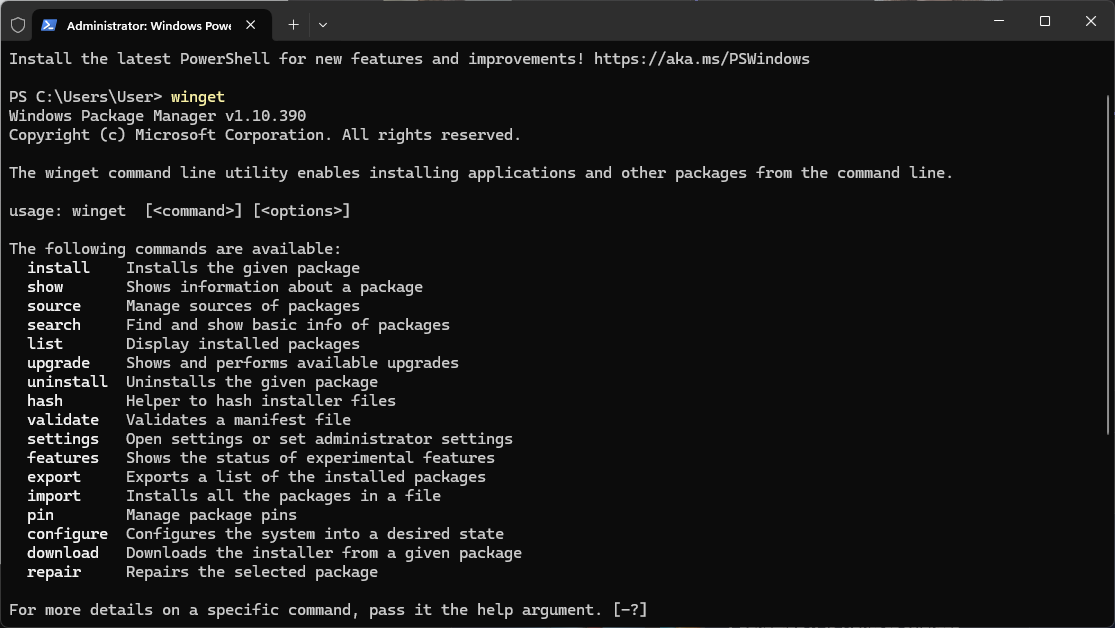
WinGet is Microsoft’s official command-line package manager for Windows 10, 11, and Server, which allows users to install, upgrade, remove, and search for applications using simple commands like:
winget install vscode
winget upgrade --allAs I mentioned before, Microsoft is not the one who is updating the packages in the repository because they are not the package developers. Therefore, someone, referred to as a trusted maintainer, is updating the packages within the WinGet repository.
So, in the background, package manifests are submitted via GitHub pull requests, then Microsoft uses automation to validate, test, and approve the updates. Once approved, the updated version becomes available for all users.
This means that the developers can have an automated update process via GitHub PRs and CI/CD, which, in contrast with Chocolatey, must be done manually by the package maintainers.
However, WinGet is becoming more popular because, first of all, it is automatically installed with the system, so users don’t need to perform additional installations or configurations like the other tools we mentioned. It also has some integrations with cloud services such as Intune and Azure, and the more time passes, the more automated it becomes.
PacKit’s WinGet Integration
While PacKit cannot be considered an alternative to PDQ Deploy, it is a tool meant to simplify your infrastructure management, whether you are using Intune or MECM (SCCM).
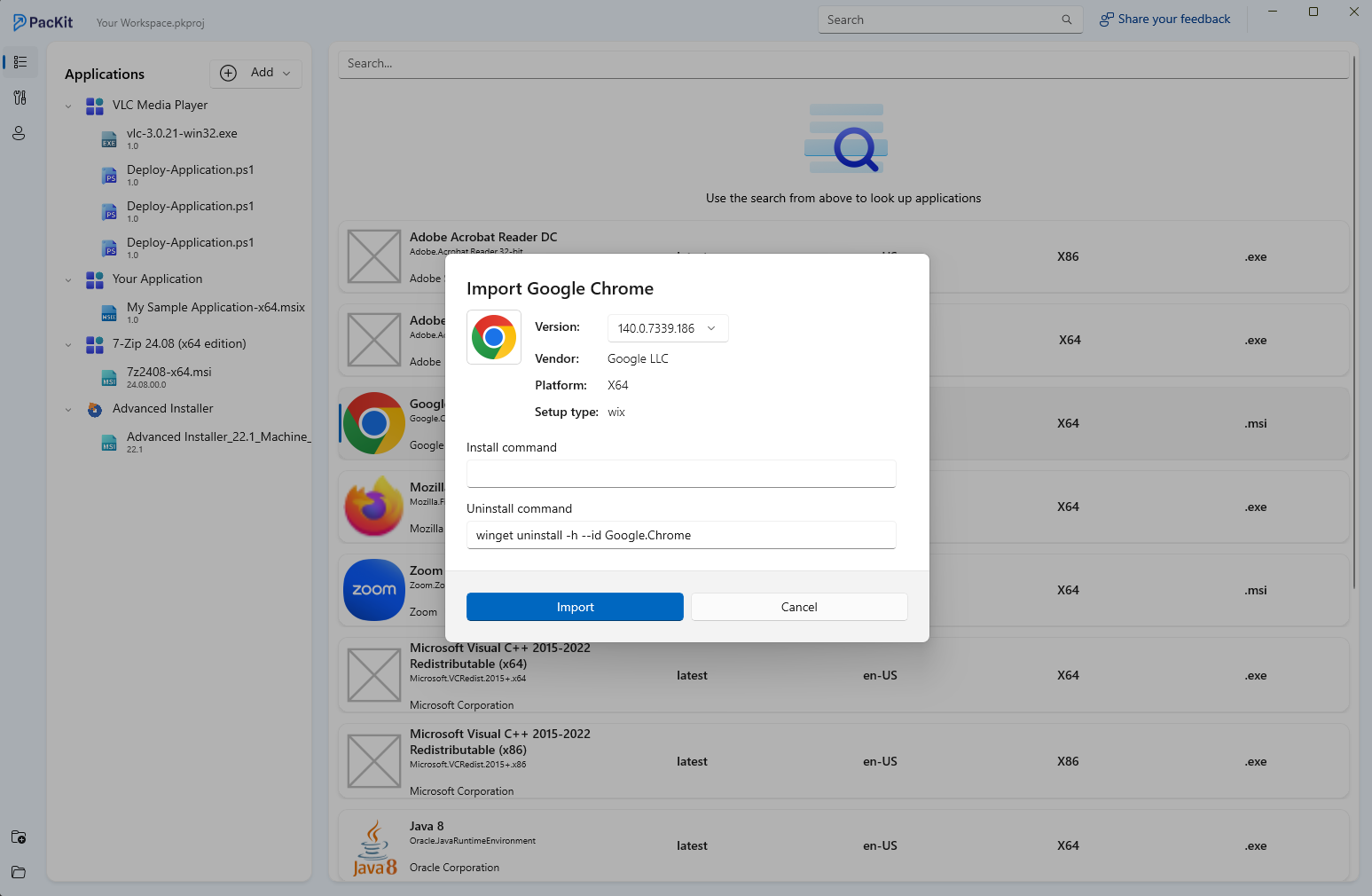
PacKit does not offer predefined packages out of the box like PDQ or Chocolatey, but it has a WinGet integration, and it can search through the WinGet repository.
If a certain package that you need is in the repository, PacKit can simply download it locally and get all the extra details that you need, like installation command lines and uninstallation command lines. From there, you can simply push it like it is inside your Intune or MECM infrastructure.
PacKit also has PSADT (PowerShell App Deployment Toolkit) integration, meaning you can automate wrapper creation, customize command lines, and so on.
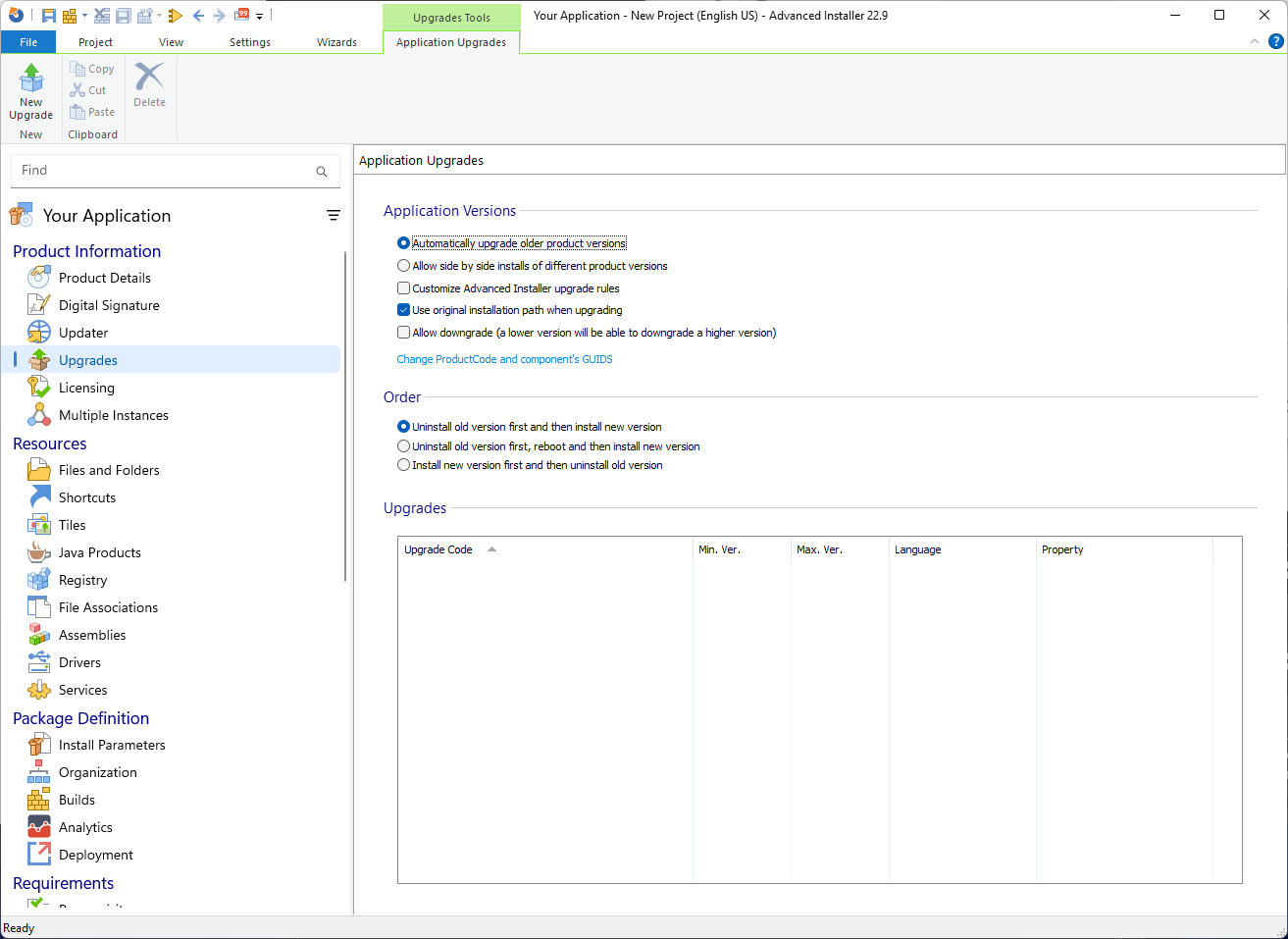
Additionally, with Advanced Installer, you can modify your packages however you want, including repackaging them, editing your MSIs with various types of transformation files, and more.
PacKit is designed by the same team behind Advanced Installer.
Check it out if you need a tool that bridges the gap between application packaging and deployment.
Here are a few of its post-packaging configuration and deployment capabilities:
- PSADT Wrapper
- IntuneWin Auto-Generator
- App Catalog – WinGet
- Command Line Finder
- Intune Detection Rules
- Intune OS Requirements
Try it for free here or discover the Advanced Installer Architect & PacKit Bundle.
Final Takeaways
- ImmyBot is the best choice when you desire to have automation and configuration consistency, as it keeps monitoring the devices and thus correcting any drift over a period of time.
- Ansible is a nice alternative option if you are looking for a free and open-source automation tool that you would be fine to work with without a graphical interface.
- Chocolatey packages Windows with a Linux-style package manager and is the best option if you want to automate software installation rapidly and manage large repositories of applications.
- WinGet is the package manager that Microsoft has built and is gaining popularity as it is already installed, integrates with Microsoft services, and allows for automated updates through GitHub workflows.
- PacKit can be considered a complementary tool. It is a great help in making the packaging and deployment workflows in Intune or SCCM more efficient, particularly if you are using WinGet or Advanced Installer in addition to that.
Conclusion
The choice of the best tool among those available will depend on the environment and skills, as well as the long-term goals. It is, however, important to know what each option brings to the table to pick the right method rather than forcing a single tool to perform all the tasks.
Get exclusive webinar invites, tutorials, and best practices from experts straight to your inbox.
Subscribe now.