We have covered the importance of WinGet extensively on the Advanced Installer blog, and overall it seems to be a sufficient solution that came after years of requests from the IT Professionals. However, WinGet is not perfect and does have some limited functionalities if you look a bit deeper.
In this article, we’ll explore the issues and limitations of WinGet and what alternatives we have at hand.
What Are the Most Common WinGet Issues?
At first glance, WinGet does seem promising functionality-wise. However, once you start using it, you realize that the functionality either doesn’t work as expected or wasn’t implemented with IT Professionals in mind.
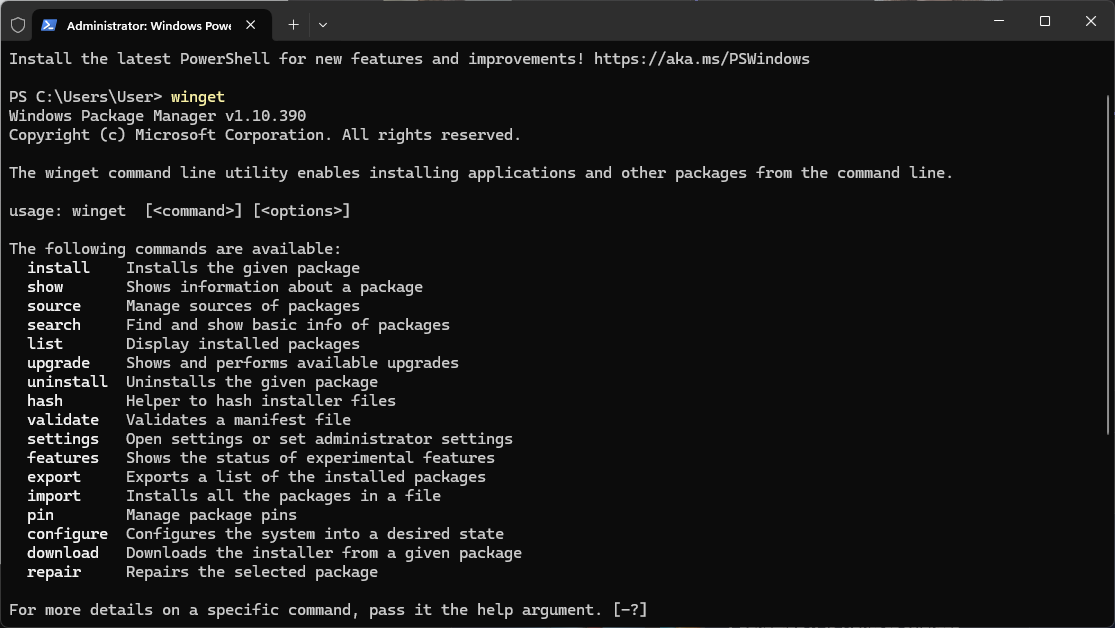
As an example, WinGet offers you the possibility to update all your apps with a single command line:
winget upgrade --allYou can also use the –silent parameter, but only if it’s supported by the application. And this may be the first issue within the IT Professional landscape. All applications should be able to be installed, upgraded, and removed with silent parameters.
The second limitation is that you can’t run WinGet updates under the System Account. If you want to learn more about it, we’ve already touched on the subject in one of our Advanced Installer blogs where we discussed the installation context of an application.
In the IT Professional landscape, any type of system change, whether it’s application installation, file modification, or registry modification, is typically done via the NT Authority\System account. Multiple infrastructure management tools, such as MECM, Intune, and others, operate under this context. To bypass this issue dynamically, you will have to resolve the WinGet path of the application.
The third issue lies in how the repository is maintained. Microsoft created the tool, but the responsibility for keeping the repository updated falls on the community. This introduces multiple challenges:
- Not all apps support the same WinGet switches
- Lack of proper maintenance of the per-machine/per-user installs
- Some apps are using the EXE installers instead of MSI installers
- Updates are received only when the community pushes them.
For popular applications such as Chrome, Firefox, and so on, this is not a significant issue. Apart from 10-15 apps that are updated regularly, the rest of the applications lack a proper maintenance program
While WinGet is an awesome application and solution that IT Professionals have waited over 20 years for, it’s not without its shortcomings. For a regular user, WinGet is more than enough to get the job done. However, when we talk about enterprise environments, this is where it falls short, and professionals may opt for alternative solutions – either free or paid.
WinGet Alternatives
There are several WinGet alternatives out there, such as Chocolatey, Scoop, Ninite, and others. Unlike third-party package managers, WinGet comes preinstalled on Windows and requires no additional setup or configuration, which is a plus for the enterprise environments.
Using PacKit to Import, Customize, and Deploy WinGet Applications
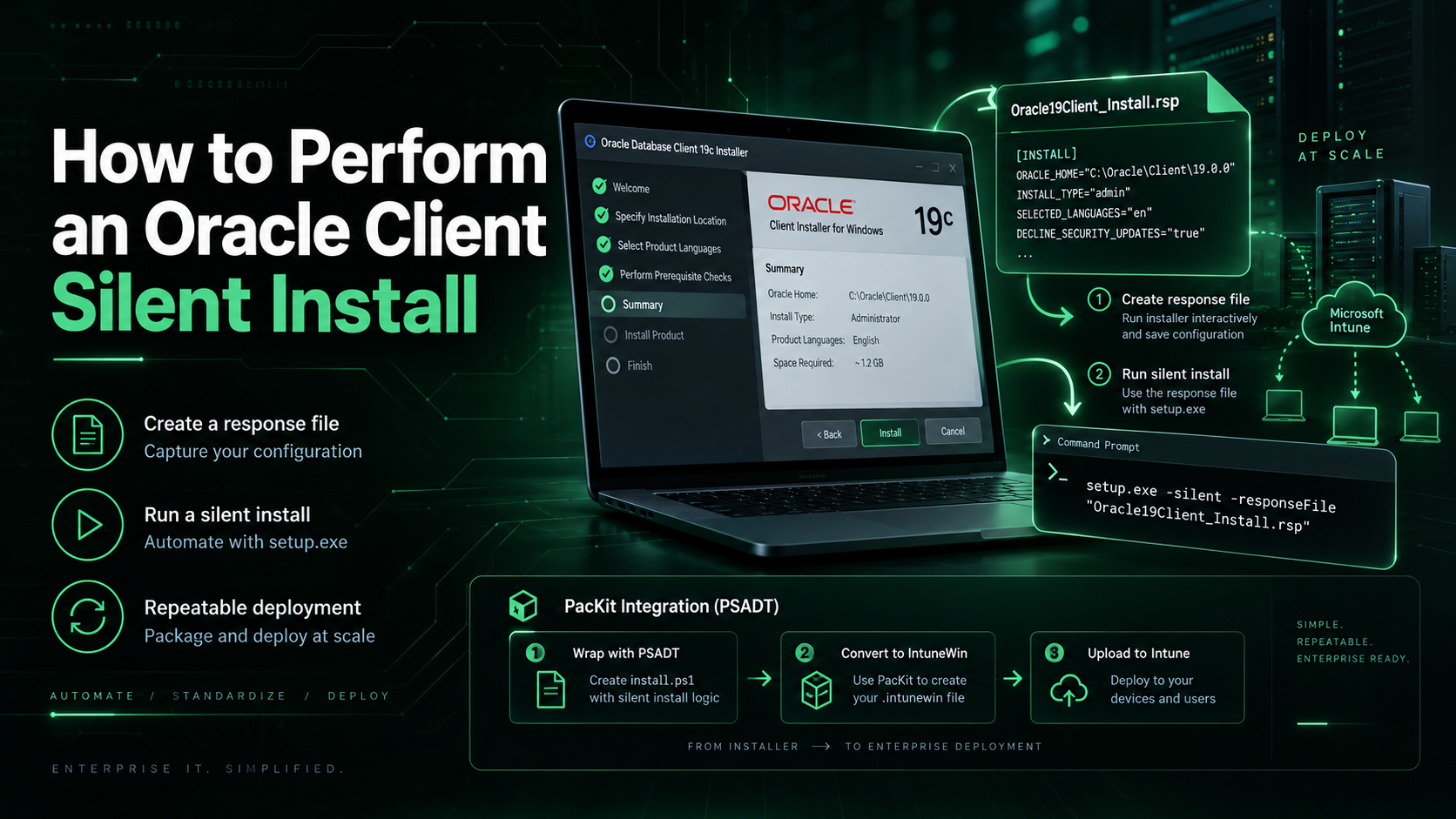
PacKit streamlines the post-packaging process from an IT professional’s perspective. You can shape your workspaces based on your specific criteria, organizing projects exactly as you need them. Adding wrappers like PSADT is quick, practical, and consistent, keeping deployments uniform across environments. Packages flow smoothly into Intune or MECM, ready for distribution.
PacKit is designed by the same team behind Advanced Installer, with enterprise IT workflows in mind. It streamlines the post-packaging process, helping you organize projects, wrap applications using PSADT, and deploy packages directly to Intune, or MECM.
You can try it for free. Download PacKit here.
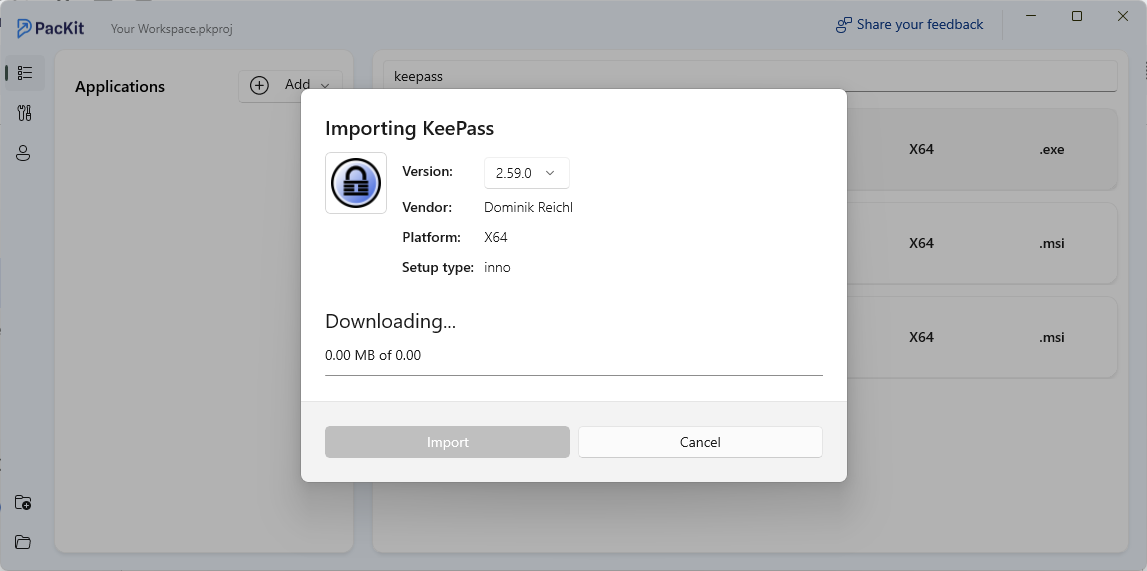
What truly improves the experience is the WinGet integration shared with Advanced Installer. It lets you import applications straight into PacKit, define parameters, apply wrappers, and upload them into your chosen management system, all from one place.
All you need to do is click on Add and select Add from catalog. A default list of apps will be populated, but you can use the Search bar on top to find any desired application that is available on the WinGet repository.
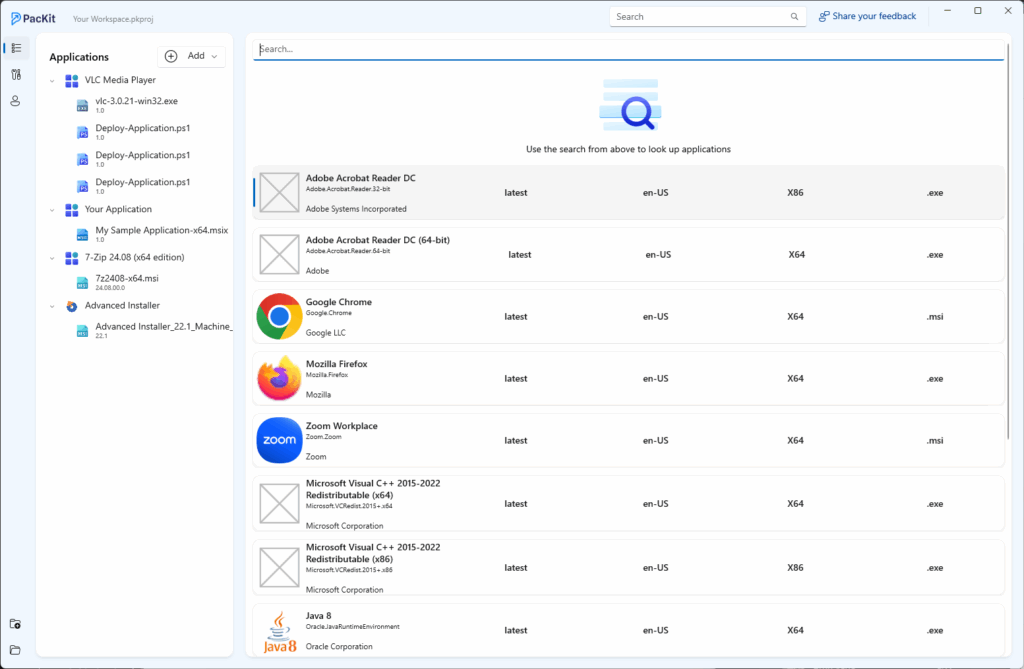
Once you find the application you want, click on it, and a new window opens instantly, displaying every application available on the catalog. You can pick the specific version you wish to download, review both the install and uninstall command lines, and within moments, everything you need is visible in one clean interface. One final click on Import, and the process completes.
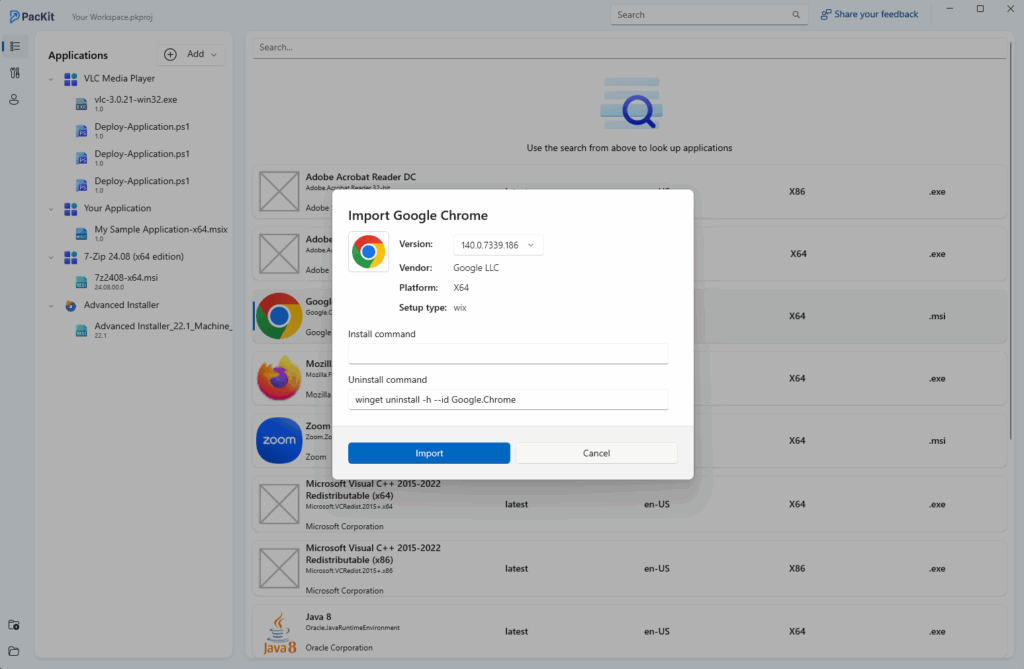
After import, the application appears neatly inside your workspace, ready for any adjustment. You can wrap it with PSADT for consistency, adjust configurations, or deploy it straight into MECM or Intune without breaking a sweat.
Conclusion
WinGet is useful for basic app management, but its lack of silent install support, inability to run under the System account, and reliance on community updates make it less suitable for enterprise use.
For more control and consistency, tools like Chocolatey, Scoop, and Ninite are good options.
However, PacKit, built by the Advanced Installer team, stands out with its built-in WinGet integration and support for enterprise deployment tools, enabling consistent deployments, easy configuration, and seamless integration with existing infrastructure.